

Gbyte Recovery
Gbyte Recovery
Free scan and selective preview of 25+ data types like messages, photos, and WhatsApp. No data overwritten — recover only what you need.
Table of contents
Quick Answer: You can recover iPhone data without a USB cable in three main ways: download synced items from iCloud.com, restore an iCloud backup over Wi-Fi, or use a tool that reads your iCloud backup. Synced photos and files are on iCloud.com. Data that exists only in a backup needs one of the other two. Apple's Wi-Fi restore erases an iPhone that's already set up, and a backup-reading tool doesn't.
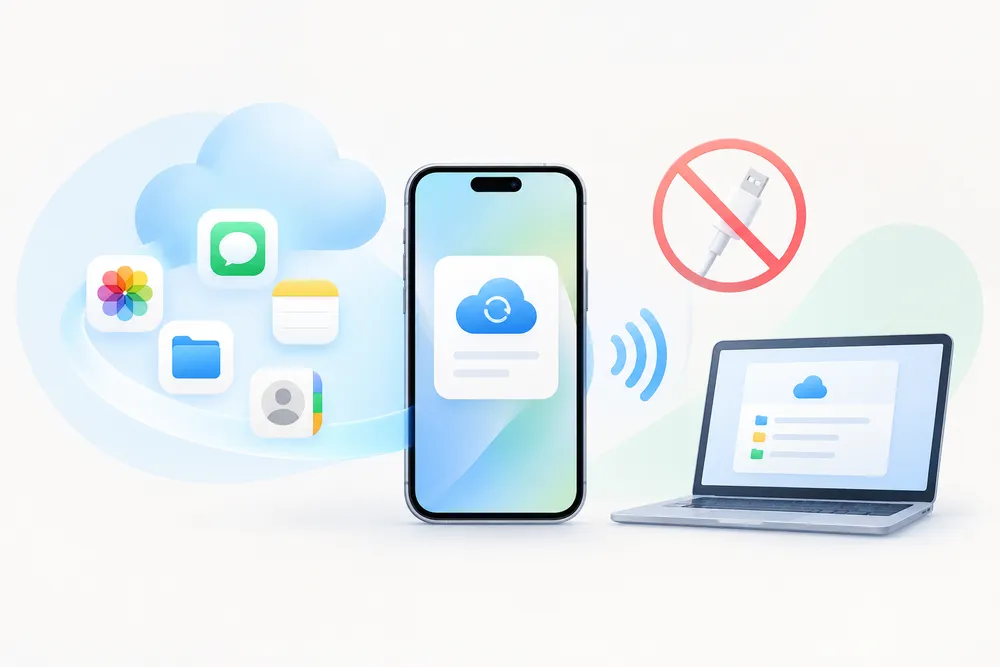
The cable isn't always the obstacle. What matters is where your data is stored: in sync, in a backup, or nowhere else. Check them in that order. This guide covers getting data back from your iCloud account, not moving files between devices.
Start here, because it's free and takes a few minutes. iCloud.com works in any browser, including on a Windows PC, a Mac, or an Android phone.
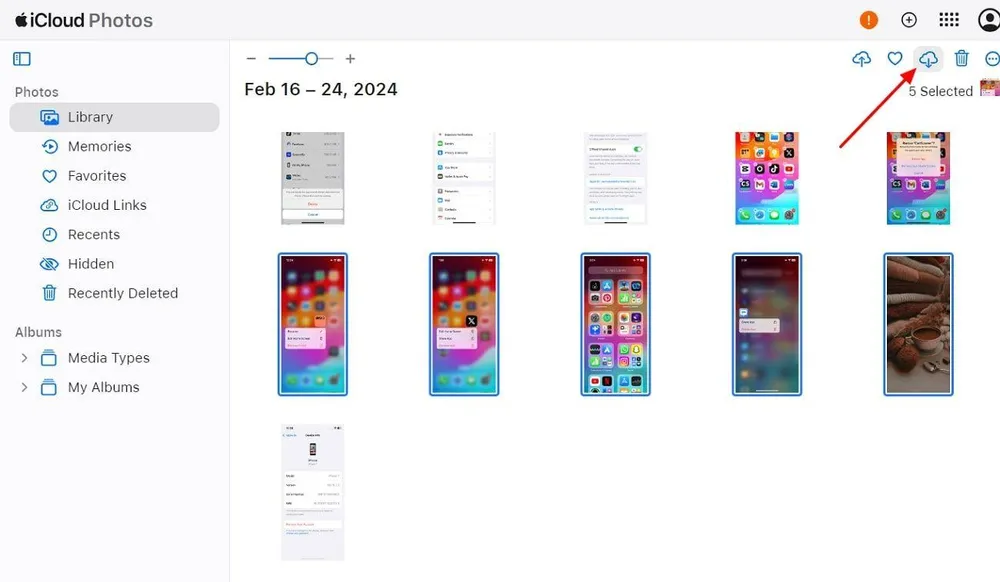
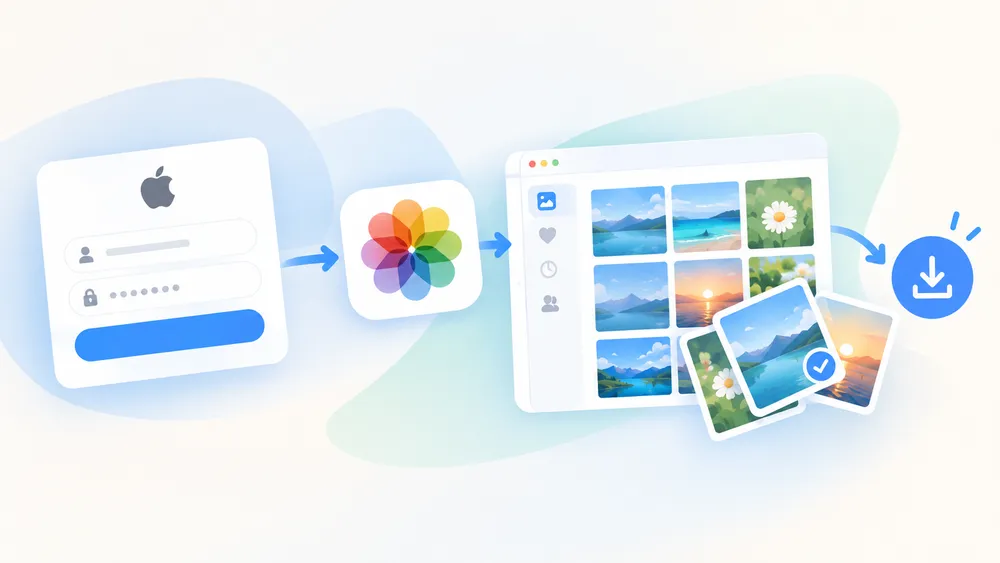
Go to iCloud.com and sign in with your Apple Account.
Open the app that holds your data, such as Photos, Notes, or iCloud Drive.
Select the items and download them.
Deleted something recently? Check Recently Deleted in Photos first. Items stay there for 30 days. The full photo steps are in how to view iCloud Photos.
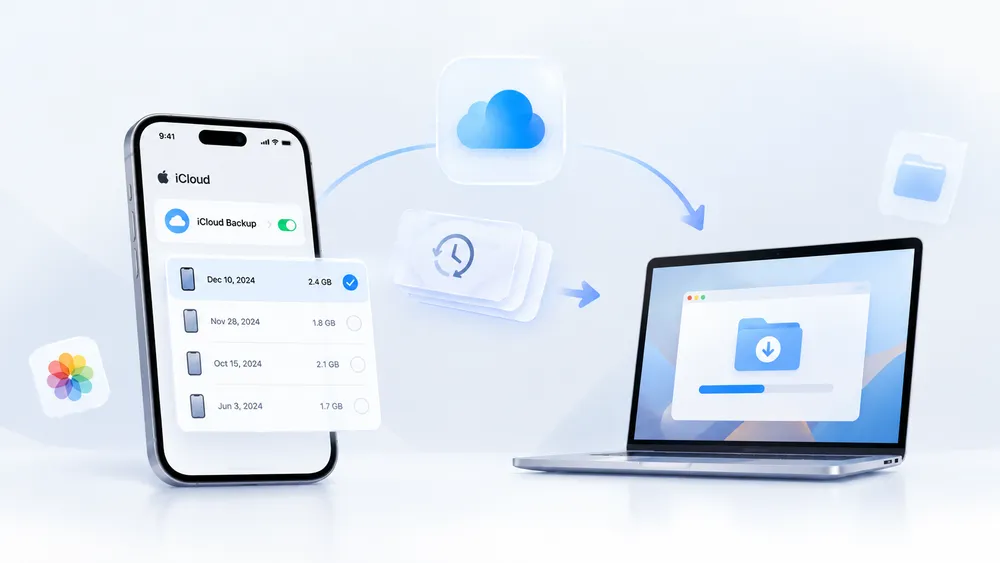
Apple's own method works wirelessly too. On the setup screen, tap From iCloud Backup, sign in, and choose a backup. Then stay on Wi-Fi while the transfer runs.
The cost is the erase. Apple states that an iPhone you've already set up must be erased before this restore can run, as its restore guide explains. The iPhone then goes back to the state of that backup, so anything newer can be lost.
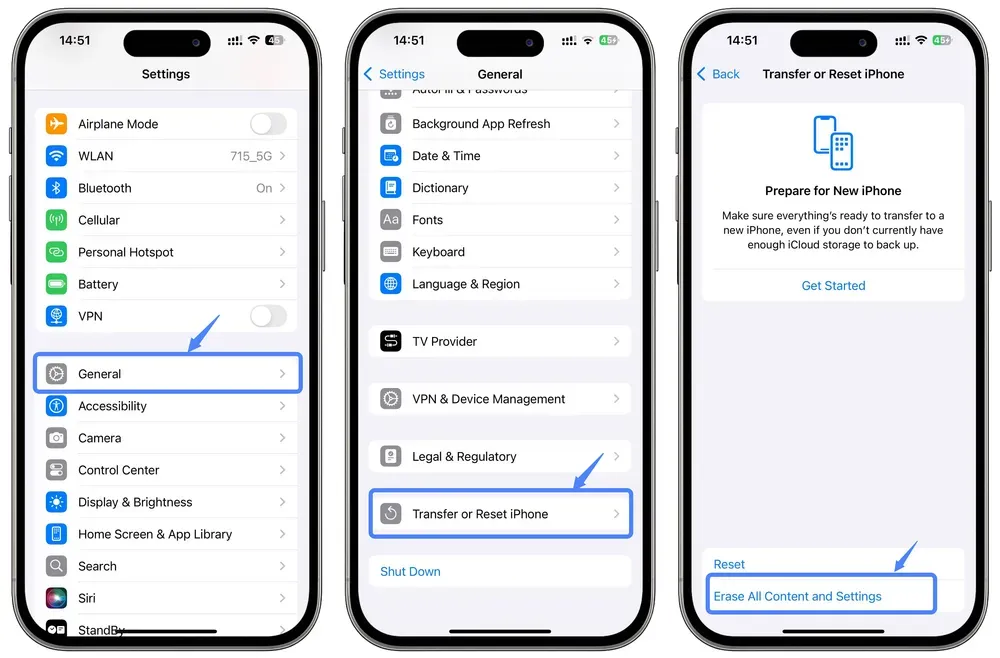
You also choose without seeing inside. Apple shows each backup's date and size, but no file-by-file preview. A wrong pick means erasing and restoring again, which is why some people look into restoring from an iCloud backup without a reset.
Restoring from a backup on your computer works differently. Apple's steps start by connecting the iPhone with a USB cable, and the restore replaces everything on the iPhone with the backup.
Your data | Where it lives | Without a cable |
Photos and videos, iCloud Photos on | iCloud Photos | iCloud.com |
Photos and videos, iCloud Photos off | May be in an iCloud backup | Wi-Fi restore, or a tool that reads the backup |
iCloud Drive files, Notes, Contacts, Calendars | Synced to iCloud | iCloud.com |
Text messages, Messages in iCloud on | Messages in iCloud | Another Apple device signed in to your account |
Text messages, Messages in iCloud off | The device backup | Wi-Fi restore, or a tool that reads the backup |
App data, including WhatsApp chats | Often the device backup | Wi-Fi restore, or a tool that reads the backup |
Tools that scan the iPhone itself skip this map. They read the phone's storage, so they need the cable and a phone that powers on.
Some data exists only in a backup, and you may not want to wipe a working iPhone just to check.
Gbyte Recovery is built for this case. It signs in to your Apple Account and reads the backup from there. Your iPhone isn't erased or changed, and it doesn't need to be connected.
What matters | Tools that scan the iPhone itself | Apple iCloud restore | Gbyte Recovery |
Works without a USB cable | ❌ | ✅ | ✅ |
Works when the old iPhone won't power on | ❌ | ✅ | ✅ |
Keeps your current iPhone as it is | ✅ | ❌ on a set-up iPhone | ✅ |
Reads the iCloud backup | ❌ | ✅ | ✅ |
Preview before you commit | ✅ | ❌ | ✅ |
Pick individual items | ✅ | ❌ | ✅ |
Backups listed for one iPhone | Not applicable | One entry in iCloud's backup list, in our check | More than one dated backup |
Cost | Varies by tool | Free | Free to scan and preview |
Apple's restore matches Gbyte on the cable. The gaps are the erase, the preview, and which backups you can see. Something you deleted last week may be missing from the newest backup but still sit in an older one. In our own check on an iPhone 17, iCloud's backup list showed one entry, while Gbyte listed two dated backups for the same phone.
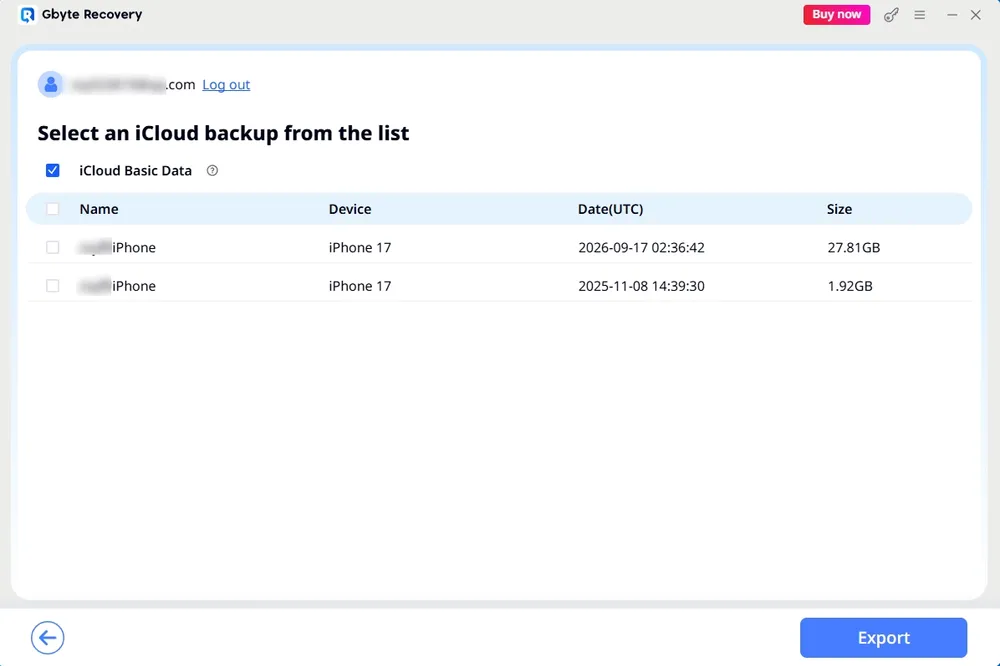
Open Gbyte Recovery on your computer and sign in with your Apple Account. Gbyte doesn't bypass Apple's sign-in, so you enter your own password and the verification code Apple sends. The code can go to a trusted device or a trusted phone number.
Choose the data types you want, such as photos, messages, or WhatsApp, and start the scan.
Preview the results. Each one shows the date of the backup it came from.
Select the items you need.
Recover them to your computer or back to your iPhone. Neither needs a USB cable.
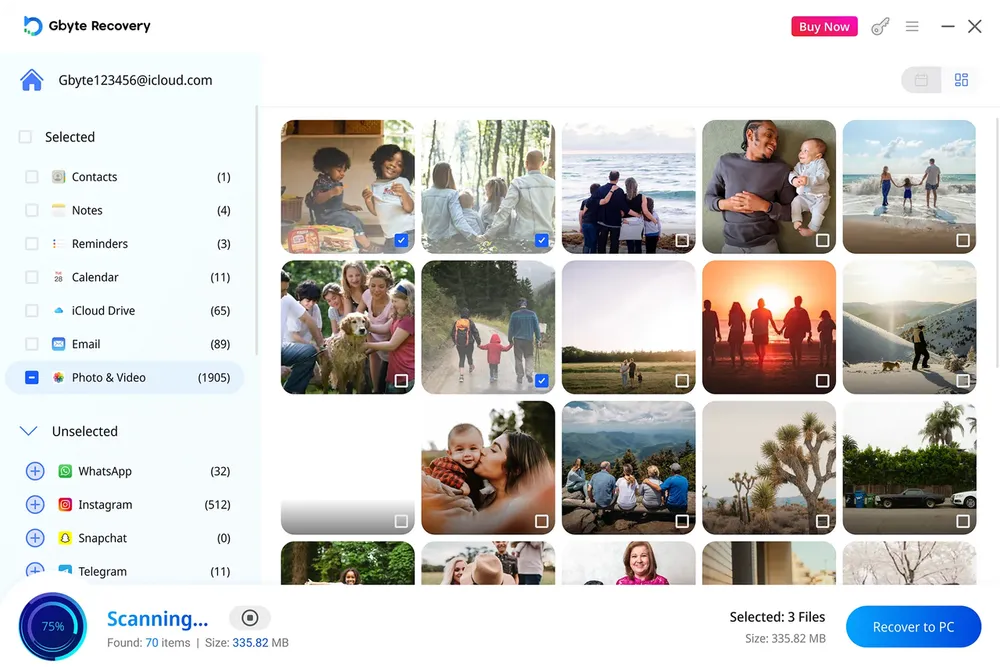
Scan time varies with how much the account holds. In Gbyte's scan data from the past 12 months, 62.21% of scans completed within 10 minutes.
Scanning and previewing cost nothing. You pay only after you've seen the items and chosen to recover them.
Try Gbyte Recovery and follow the simple steps to preview your backup and recover only what you need.
Sometimes the account holds no backup. iCloud Backup may never have been on. Or it was switched off, and Apple keeps a stored backup for 180 days after that before deleting it, according to its backup guide.
Gbyte scan data: Among accounts scanned with Gbyte over the past 12 months, 18.07% had no iCloud backup available. This reflects Gbyte users, not all iPhone owners.
Even then, a few places may still hold a copy:
A backup on your Mac or Windows PC (restoring it uses a cable)
Another cloud service, such as Google Photos, OneDrive, or Dropbox
A chat where you sent the photo or file to someone
Another device signed in to your Apple Account
For photos deleted long ago, recovering permanently deleted photos from iCloud lists more places to check..
In summary, check where your data lives before you worry about the cable. Start with iCloud.com for anything synced. Next, look for an iCloud backup. Apple's Wi-Fi restore brings it back but erases an iPhone that's already set up, while Gbyte Recovery lets you preview the backup and recover only the items you choose. With no backup at all, look for copies on a computer, in another cloud service, or in a chat.
Yes. Synced items such as photos and iCloud Drive files download from iCloud.com in any browser. Backup data can return through Apple's Wi-Fi restore during setup, or through a tool that reads your iCloud backup. Only a restore from a computer backup needs a cable. Check sync first, then backups.
Yes. During setup, tap From iCloud Backup, sign in, and pick a backup. Everything runs over Wi-Fi. The transfer can take from a few minutes to an hour, and apps and photos keep downloading afterwards. This route suits a new or freshly wiped phone, since a set-up iPhone must be erased first.
Apple's restore can't, because a set-up iPhone must be erased first. iCloud.com gives you synced items with no wipe at all. For data that lives only in a backup, a tool that reads the backup lets you preview it and recover only the items you pick, and your iPhone isn't erased.
Yes, for recent deletions. Open Recently Deleted in Photos on the iPhone or on iCloud.com. Items stay there for 30 days. After that, check your backups or other copies of the photo. A backup made while iCloud Photos was on may not hold the photo at all.
Apple doesn't offer a way to download an iCloud device backup as a browsable file. Its restore flow puts the backup onto a device. Gbyte Recovery has a separate mode for this, iCloud Backup Export: sign in, scan, pick a backup by its date, and download it whole. A copy on your computer helps when a backup you've stopped updating is close to Apple's 180-day deletion.
WhatsApp chats may be included in an iCloud device backup, so iCloud.com doesn't show them the way it shows synced data. When an iCloud backup from before the deletion exists, Gbyte Recovery can scan it and let you preview the chats first, with no cable and no connected iPhone. iCloud Backup must have been on before the messages were deleted.
Anything that reached iCloud is still within reach. iCloud.com and a backup-reading tool both work through your Apple Account, so the port doesn't matter for either. Data that hasn't reached iCloud yet is different. While the phone still powers on, open Settings, tap your name, choose iCloud, then iCloud Backup, and tap Back Up Now. Stay on Wi-Fi until it finishes, and make sure your iCloud storage has room. For a phone that won't turn on, our guide on recovering data from a dead iPhone covers that case.

 Add Gbyte as a preferred source on Google
Share


Related articles


Copyright @2026 Gbyte. All rights reserved.
The installation wizard will automatically start after downloading.
After registration, the recovery process can be managed through the web interface.
You get it all with your purchase - no locked features, no hidden limitations.