

Gbyte Unlock

Gbyte Unlock
Safely remove any iPhone/iPad screen lock in a few clicks.
 Gbyte Editorial Team
Table of contents
If you've ever put a new SIM card into an iPhone and been met with "SIM Not Supported," you may be dealing with a carrier lock — sometimes called a SIM lock or network lock. It has nothing to do with your Apple ID or your passcode, and understanding what it actually controls makes the fix much less mysterious.
A carrier lock restricts a device to working only with SIM or eSIM service from one specific carrier. It's completely separate from anything tied to your Apple ID or your lock screen — this is a network-level restriction, not an account or device-security one. Unlike Activation Lock or a Screen Time passcode, a carrier lock doesn't block access to the iPhone itself — the phone works completely normally, it just won't accept a SIM from a different carrier.
In practice, you'll typically encounter it in one of these situations:
You bought the phone through a carrier on a contract or installment plan. This is by far the most common case — many carrier-financed iPhones stay locked until eligibility requirements, like paying off the balance, are met.
You bought a used iPhone that was originally sold on a carrier plan, and the previous owner either hasn't paid it off or never bothered to request the unlock before selling it.
You're trying to use a SIM from a different carrier or a different country, and the phone simply won't recognize it.
You can check a device's status yourself under Settings → General → About → Carrier Lock. "No SIM restrictions" means the phone is free to use with any carrier; anything else means it's still tied to one.
Carrier Lock | Activation Lock | |
Controlled by | Your carrier | Your Apple Account |
Purpose | Network restriction | Ownership/anti-theft protection |
Where the record lives | Carrier system + Apple's activation servers | Apple's Find My system |
Who can remove it | The carrier that issued the device | The original Apple Account holder (or Apple, with proof of purchase) |
Can a third party help? | Yes — a legitimate service can submit the same request to your carrier on your behalf | Not meaningfully — there's no equivalent legitimate third-party path, since it requires the original account or ownership proof |
Carrier locks exist almost entirely to protect one thing: carrier financing. When a carrier sells you an iPhone below full price, locking it to their network protects that arrangement in three ways:
Preventing early network switches. Without a lock, someone could switch to another network right away and stop paying for a financed phone.
Preventing resale for profit. An unlocked, carrier-discounted iPhone is worth more on the open market, so the lock closes that gap until it's paid off.
Enforcing minimum contract terms. Some plans require a minimum service period, and the lock enforces that at the device level.
Once the balance is paid or the contract term is met, the carrier has no more reason to keep the device locked — which is why the unlock process exists.
Here's a detail that surprises a lot of people: Apple doesn't decide whether a carrier lock gets removed. Apple's own support documentation is explicit that only your carrier can unlock your iPhone — the carrier that issued the device controls the approval, and Apple's role is to process the activation status update once the carrier approves the unlock.
The process has two parts. First, you contact your original carrier and request an unlock, which they'll typically approve once your contract is paid off, your installment plan is settled, or you've met whatever minimum service period they require. Once approved, the carrier submits that device's IMEI to Apple with an update: this device is no longer restricted.
The second part happens automatically. This restriction is stored server-side as part of the device's activation status, so after the update is applied, the iPhone recognizes the unlocked status the next time it connects to Apple's activation servers — typically the next time it's on Wi-Fi.
Requirement | Needed? |
Apple ID | No |
Device passcode | No |
Jailbreak | No |
Find My turned off | No |
Internet connection | Yes — needed once approved, so the device can pull the updated policy from Apple |
Recovery/DFU mode | No |
Many websites like Tenorshare 4ukey and Wondeshare Dr. Fone advertise "iPhone unlocking services," but they do not all work in the same way. Some provide a legitimate way to request an official carrier unlock, while others only offer workarounds that do not change the device's official unlock status.
Before choosing any third-party option, it is important to understand what kind of unlock it actually provides.
A true carrier unlock changes the device's official activation status through the carrier and Apple's systems. Other methods may only help the iPhone accept another SIM temporarily without removing the original carrier restriction.
Online "IMEI unlock" services aren't hacking tools at all — despite how they're often marketed, what they actually do is act as a paid intermediary that submits an official unlock request to the original carrier on your behalf, using nothing more than your IMEI number. If the carrier approves it, the result is identical to doing it yourself directly: a real, permanent, server-side unlock. The limitation is entirely on the carrier's side — if the device has an unpaid balance or is flagged (lost, stolen, blacklisted), no service, official or third-party, can force that carrier to release it.
Physical SIM overlays (often called "Turbo SIM" or similar) are a different category entirely. These are thin cards inserted alongside the real SIM that attempt to trick the device into accepting another carrier's SIM. Unlike an official unlock, they don't change anything on the carrier's or Apple's side — it's a hardware-level workaround happening entirely on the device, and it doesn't touch the underlying record at all. It's also notably unstable: Apple periodically updates its network activation rules through iOS updates, and each update has a real chance of breaking whatever workaround the overlay relies on.
Carrier-Approved Unlock | Online IMEI Service | SIM Overlay | |
Clears the record on Apple's servers | Yes | Yes (same mechanism, just requested for you) | No — local workaround only |
Depends on carrier approval | Yes | Yes | No |
Survives a reset or new SIM | Yes, permanently | Yes, permanently | No — breaks on iOS updates |
Device compatibility | All models | All models | Depends on current iOS/baseband version |
Data preserved | Yes | Yes | Yes |
Selling a financed device? Settle your balance and request the unlock from your carrier before listing it — a locked phone is worth noticeably less, and buyers increasingly check for this upfront.
Buying a used iPhone? Check Settings → General → About → Carrier Lock. "No SIM restrictions" means it's clear; anything else means you'll need the original carrier's cooperation or another legitimate unlock option to get it released.
Considering a SIM overlay because a carrier won't unlock a device? Understand that this is a workaround for the carrier's decision, not a way around any Apple restriction — and it's inherently unstable enough that most people find it more trouble than it's worth for daily use.
Unlike Activation Lock or MDM Lock, a carrier lock was never meant to protect against theft or enforce IT policy — it exists purely to protect a carrier's financing arrangement. That's also why Apple doesn't decide whether a carrier lock can be removed: the decision, start to finish, belongs to whichever carrier issued the device.
Yes, in most countries, including the US under the Unlocking Consumer Choice and Wireless Competition Act — but you still need the carrier's approval, since the carrier may require the device balance or contract obligations to be completed first.
It usually means one of three things: there's an outstanding balance on the device, it hasn't been active on the network long enough, or it has been reported lost, stolen, or fraudulent. Any of these can block the request regardless of who submits it.
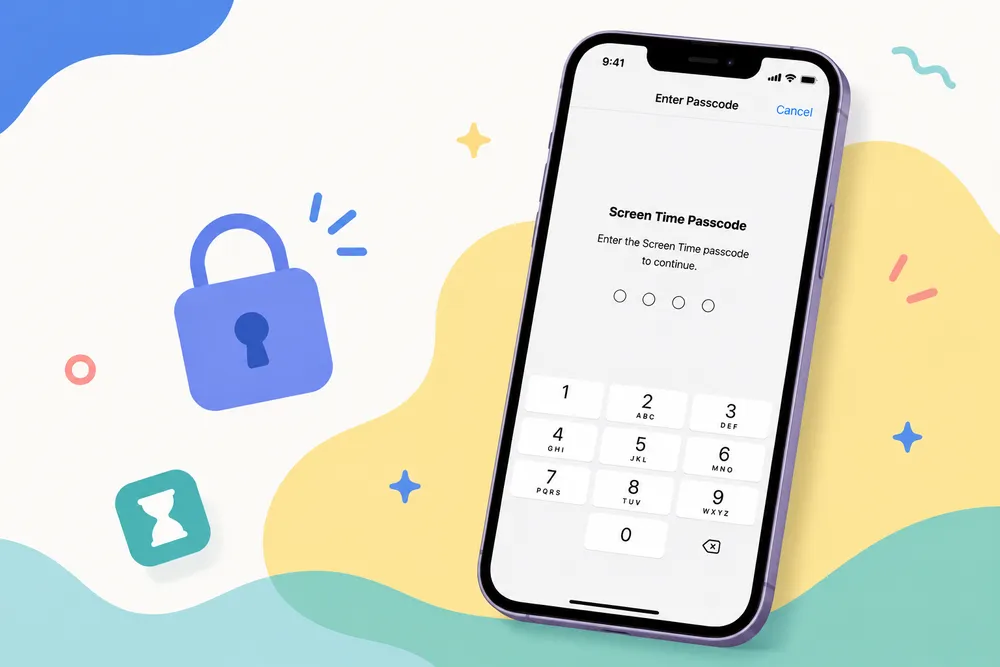
No — these are three completely separate systems. Carrier Lock is a network restriction from your carrier; Activation Lock is Apple Account-based anti-theft protection; and a Screen Time passcode is a local restriction setting. Unlocking one has no effect on the others.
Yes. You can insert a SIM card from a different carrier, or check Settings → General → About → Carrier Lock for "No SIM restrictions" while the seller is still present.
No. Since the unlock status lives on Apple's servers rather than on the device itself, it survives resets, restores, and even changing owners entirely.
 Add Gbyte as a preferred source on Google
Share


Related articles


Copyright ©2026 Gbyte. All rights reserved. Gbyte’s software is not developed by or affiliated with Apple Inc.
The installation wizard will automatically start after downloading.
After registration, the recovery process can be managed through the web interface.
You get it all with your purchase - no locked features, no hidden limitations.