

Gbyte Unlock

Gbyte Unlock
Safely remove any iPhone/iPad screen lock in a few clicks.
 Gbyte Editorial Team
Table of contents
What I Put to the Test
I tested Dr.Fone Screen Unlock across its main features to see how well it handles real iPhone unlocking situations, from forgotten passcodes to device management locks.
I work as an IT administrator for a small company, and every so often, I help colleagues or family members unlock iPhones after they've forgotten their passcodes or been locked out of their devices.
A few days ago, one of my colleagues got locked out of an iPhone and bought Dr.Fone Screen Unlock to regain access. Since I was already helping with the process, I thought it would be a good opportunity to see how the software actually performed instead of relying on online reviews or marketing claims.Since the licence was already paid for, I took the chance to run the other three unlock features as well.
Item | Details |
Test Date | July 2026 |
Software Version | Dr.Fone v13.9.3 |
Computer | Windows 11 |
Device Tested | iPhone 13 |
iOS Version | iOS 26 |
Connection | Apple USB-C to Lightning Cable |
Test Features | Screen Passcode, Apple ID, MDM, Screen Time |
Testing Method | Hands-on testing in real-world scenarios |
Dr.Fone Screen Unlock is an iPhone unlocking tool developed by Wondershare. It's designed to help you regain access to your iPhone when you're locked out or need to remove certain restrictions that can't be removed through normal iOS settings.
The software includes several unlocking features in one program. Besides removing a forgotten screen passcode, it also supports Apple ID removal, MDM bypass, and Screen Time passcode removal under supported conditions.
Instead of judging Dr.Fone by its feature list alone, I wanted to see how these tools performed in real use. So, I tested the four features that most iPhone users are likely to need and documented my experience throughout the process.
The table below shows the four core unlock features I tested in this review and the situations they're designed to solve.
Feature | Best For | Tested |
Screen Passcode Removal | Unlocking an iPhone after forgetting the screen passcode or getting locked out | ✅ |
Apple ID Removal | Removing the signed-in Apple ID from a supported device | ✅ |
MDM Removal | Bypassing Mobile Device Management (MDM) restrictions on eligible devices | ✅ |
Screen Time Passcode Removal | Resetting a forgotten Screen Time passcode | ✅ |
I put each unlocking feature through a real test to see how well it worked in different scenarios. Below are my findings, including the overall process, performance, and limitations I noticed during testing.
Since removing a forgotten screen passcode is probably the reason most people download Dr.Fone, I decided to test this feature first. The device I used was an iPhone 13 that had been locked after multiple incorrect passcode attempts. At this point, I could no longer access the Home Screen, making it a good test for Dr.Fone's most important feature.
After opening the software, I selected Screen Unlock from the main interface and chose Unlock iOS Screen. Dr.Fone then asked me to connect the iPhone using a USB cable. Once the device was detected, it guided me through entering Recovery Mode with clear on-screen instructions.
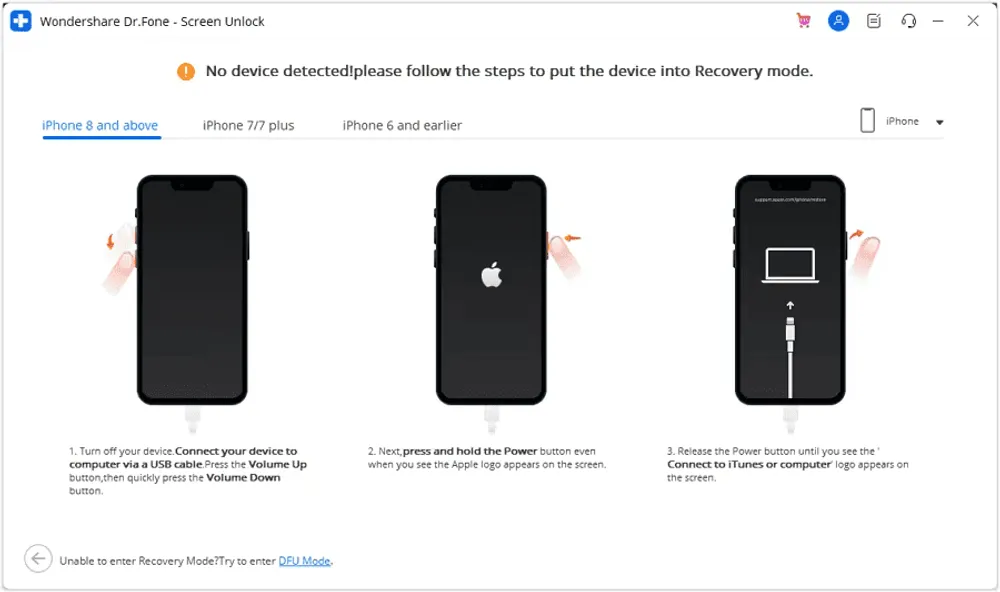
The software automatically identified my device model and recommended the correct firmware package. The required firmware package for my iPhone 13 was 9.51 GB, so I had to wait nearly 10 minutes for the download to finish before the unlocking process could begin.
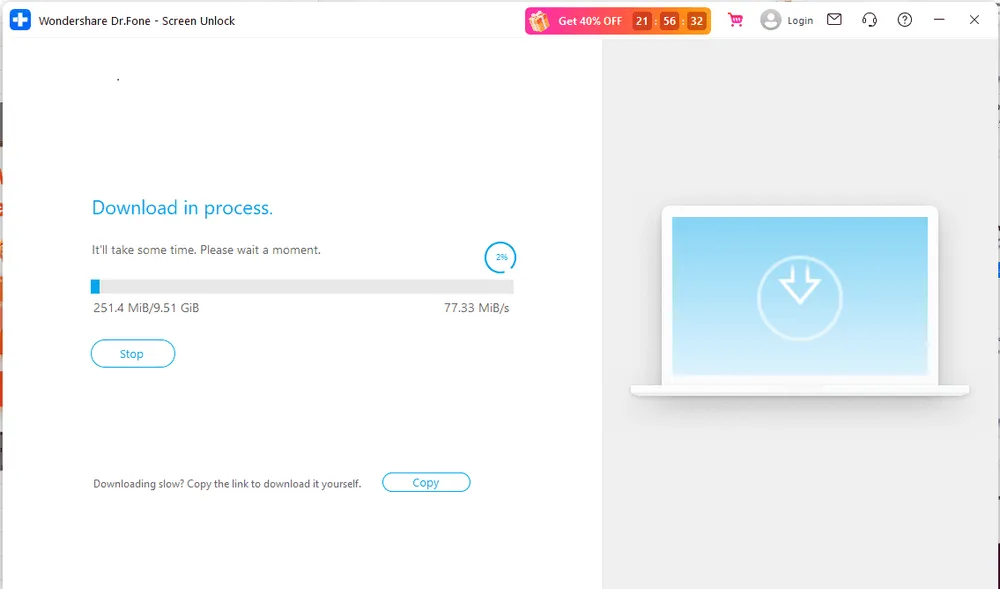
After the download finished, Dr.Fone verified the firmware automatically. Before the unlocking process began, it reminded me that all data on the iPhone would be erased, which is expected when removing an iPhone screen passcode. After entering the confirmation code, I clicked Unlock, and the software started removing the passcode.
![drfone-firmware-ready-confirmation-prompt[1].webp](https://resource.gbyte.com/20260717/large/drfone-firmware-ready-confirmation-prompt[1].webp "Firmware ready")
The unlocking process itself only took a few minutes. Once it was finished, the iPhone restarted normally, and I was able to set it up again from the Hello screen. Overall, the process was straightforward, and the instructions were easy to follow. The only downside is that, like most similar tools, this feature erases all data on the device, so having a recent backup is important.
Apple also provides a free way to remove a forgotten passcode by restoring your iPhone with Finder or iTunes. Both methods erase the device, but the experience is different. Apple's solution requires you to complete the restore process manually, while Dr.Fone automates much of the workflow, including device detection, firmware selection, and on-screen guidance.
Before starting the removal, I came across two requirements that are easy to overlook. Your device needs to have Two-Factor Authentication enabled and a screen lock already configured. Missing either one could prevent the removal from starting.
According to Dr.Fone's official user guide, devices running iOS/iPadOS 11.4 or later will be erased during the Apple ID removal process. For supported devices running earlier than iOS/iPadOS 11.4, user data may be retained after the removal.
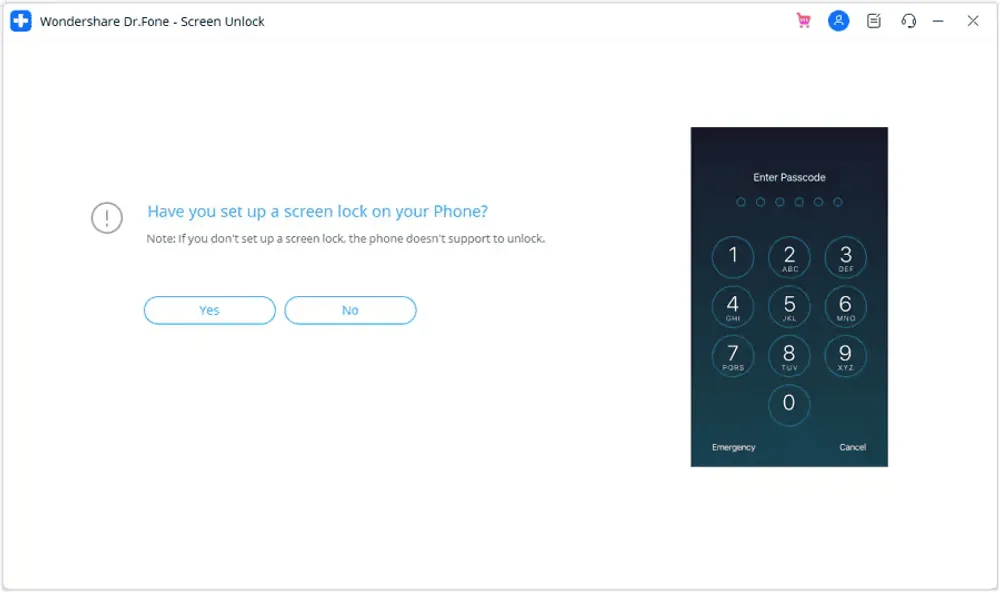
Once everything was ready, I clicked Unlock Now to begin the process. From there, Dr.Fone handled the removal automatically, and I simply kept the iPhone connected until it was finished. The entire process took around 6 minutes, and everything completed without any unexpected errors.
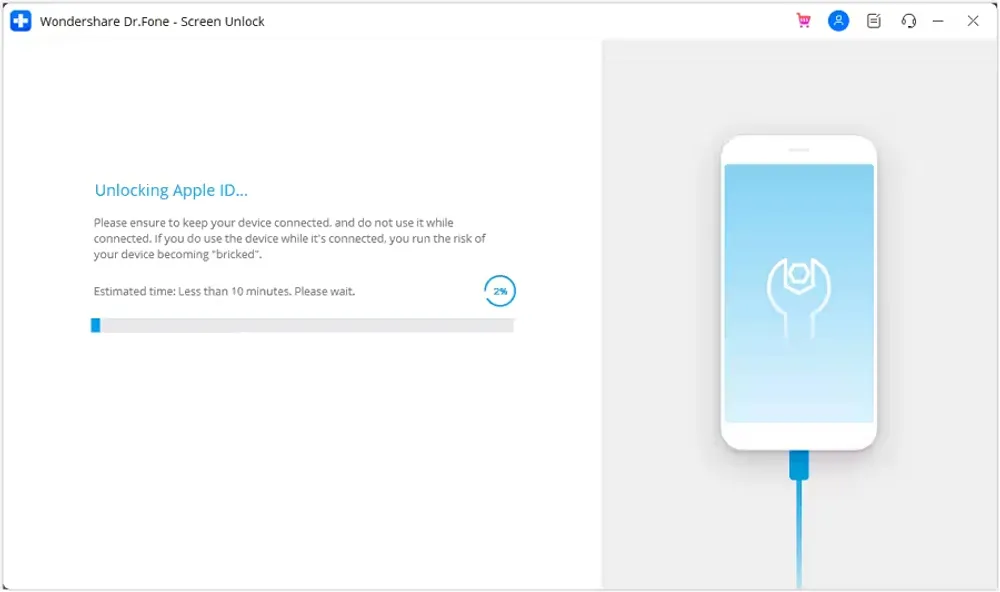
After the iPhone restarted, I checked whether the previously signed-in Apple ID had been removed successfully. The device booted up normally, and I was able to continue with the setup process as expected.
Compared with Screen Passcode Removal, this feature requires a little more preparation because of Apple's security requirements. Once those conditions are met, however, the process itself is straightforward and doesn't require much manual input. If you're planning to use this feature, I'd recommend checking these requirements before you start, as they can determine whether the Apple ID removal process can proceed successfully.
Unlike the previous features, MDM Removal isn't something I use very often. Most people won't need it unless they're dealing with a company-owned or school-managed iPhone. Even so, I wanted to see how smoothly Dr.Fone handled the process.
One thing I noticed before the removal started was that Find My had to be turned off first. Dr.Fone wouldn't let me continue until this requirement was met, so it's worth checking before you start.
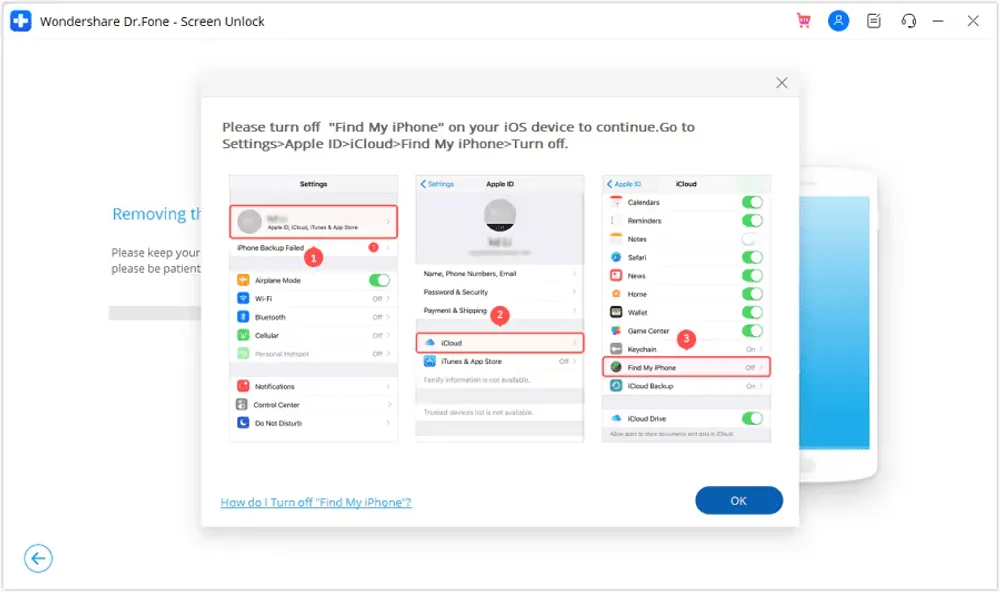
After clicking Start to Bypass, Dr.Fone began removing the MDM lock automatically while displaying the progress on screen. Other than keeping the iPhone connected, there wasn't much for me to do during this part of the process. In my test, it took around 3 minutes to complete without any interruptions.
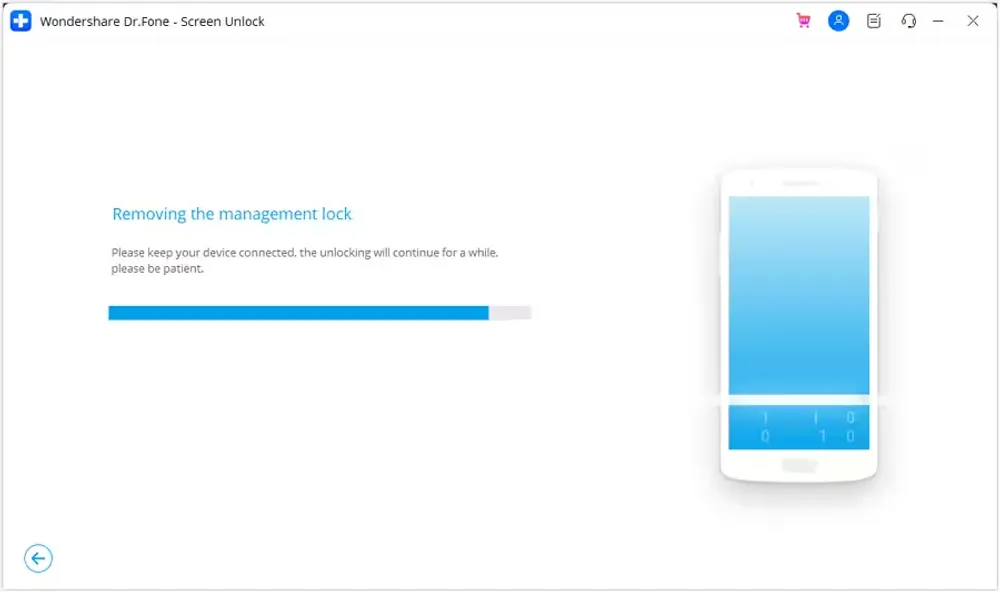
Once the process finished, the iPhone restarted normally. I went through the setup process again and confirmed that the device no longer prompted me to enroll in remote management, which indicated that the MDM profile had been removed successfully.
What surprised me was how little interaction this feature required after the initial setup. However, I also noticed an important limitation in Dr.Fone's official guide: if you bypass a remote MDM lock, the restriction will return if the device is reset or reflashed in the future. If you're planning to use this feature, it's worth understanding that limitation before purchasing the software.
Before you start, make sure Find My is turned off. It's a small detail, but it's required before the removal can begin.
After clicking Unlock Now, Dr.Fone started removing the Screen Time passcode automatically. Unlike Screen Passcode Removal, this feature didn't require downloading a firmware package, so the overall process was noticeably quicker. Apart from keeping the iPhone connected, there was very little for me to do while the software completed the removal. In my test, it took about three minutes to finish without any errors.
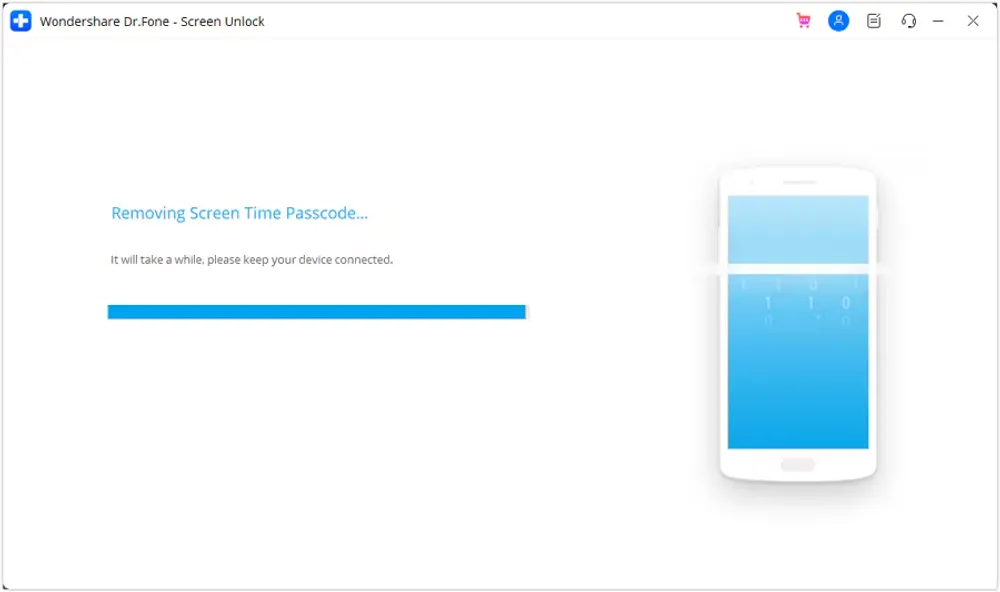
Once the process was complete, the iPhone restarted normally. I opened Settings > Screen Time to verify the result and confirmed that the previous Screen Time passcode had been removed successfully. I was then able to create a new Screen Time passcode without any additional steps.
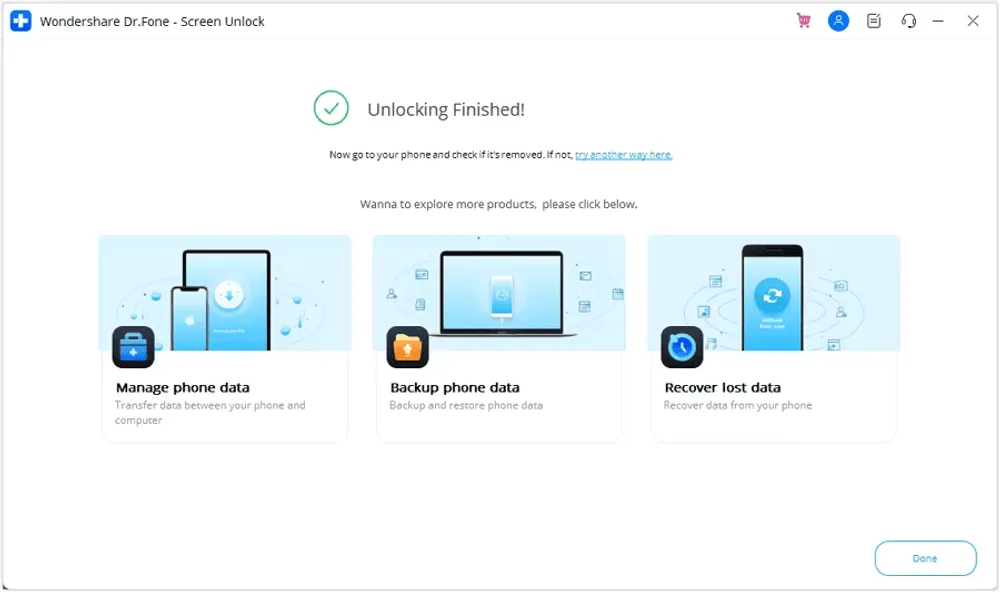
Compared with the other features I tested, this one required the least effort from start to finish. The workflow was simple, the instructions were easy to follow, and the removal completed without any issues during my testing. If you've forgotten your Screen Time passcode but still have access to the device, I think this is one of the most reliable features in Dr.Fone, especially because most of the process is handled automatically with very little manual input.
Dr.Fone Screen Unlock offers several licensing options. The plans below are for the Windows version and may change during promotions.
Plan | Price | Supported Devices | My Take |
1-Month License | 34.95$ | 5 mobile devices with 2 PCs | Suitable if you only need to unlock one device and don't expect frequent use |
1-Year License | $49.95 | 5 mobile devices with 2 PCs | A better choice if you manage multiple devices or need occasional access |
Perpetual License | $59.95 | 5 mobile devices with 2 PCs | Makes more sense for long-term users who want to avoid renewal fees |
Dr.Fone Screen Unlock offers monthly, yearly, and perpetual licenses, so you can choose a plan based on how often you expect to use it. If you only need to unlock one device, the monthly plan is usually the most practical choice. If you regularly manage multiple iPhones or iPads, a longer-term license may offer better value.
You can download and install Dr.Fone for free to explore the software and check whether your device is supported. However, the free version doesn't actually remove the lock—you'll need to purchase a license before the unlocking process can be completed.
Dr.Fone is covered by Wondershare's 7-day money-back guarantee. However, after reading the official refund policy, I found that refunds aren't unconditional. They're generally available for situations such as duplicate purchases, buying the wrong product, or unresolved technical issues. If you purchased through the App Store or Google Play, you'll need to request a refund directly from that platform instead.
Overall, I think the pricing is reasonable if you plan to use multiple unlocking features. If you only need a one-time screen unlock, it's worth comparing Dr.Fone with Apple's free Recovery Mode before making a purchase.
Category | Rating | Notes |
Ease of Use | ⭐⭐⭐⭐⭐ | Simple workflow with clear instructions |
Unlock Performance | ⭐⭐⭐⭐☆ | Reliable for supported devices |
Feature Support | ⭐⭐⭐⭐☆ | Covers common iPhone unlock needs |
Speed | ⭐⭐⭐⭐☆ | Smooth overall, but firmware download takes time |
Pricing | ⭐⭐⭐☆☆ | Better suited for users who need it more than once |

Pros

Cons
To better understand Dr.Fone Screen Unlock’s overall reputation, I also looked at feedback from other users. While individual reviews do not represent everyone’s experience, they provide additional insights into common user expectations and concerns.
Some users reported that Dr.Fone helped them successfully regain access to locked devices. One Trustpilot reviewer shared that they found Dr.Fone after forgetting their phone password and were able to unlock their device successfully.
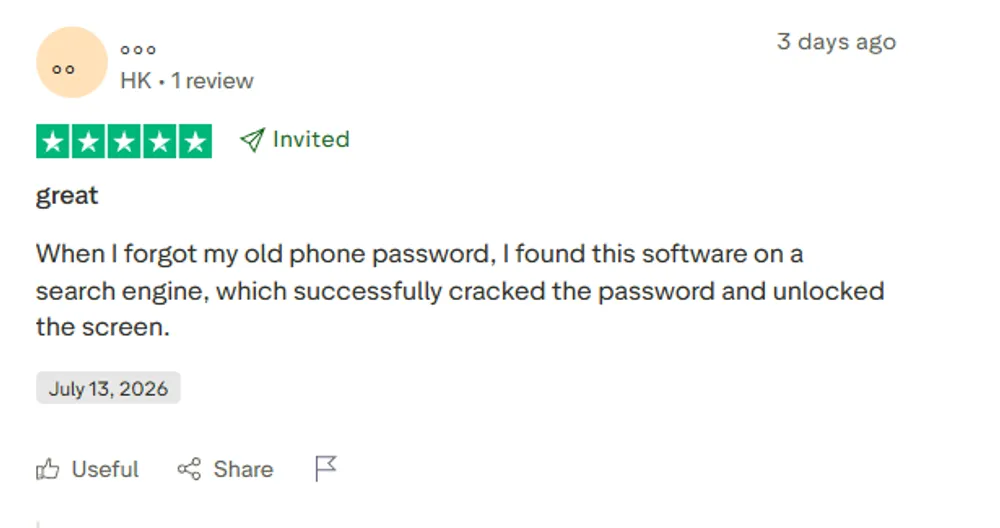
This matches my own testing experience. In my Screen Passcode Removal test, Dr.Fone successfully removed the forgotten passcode from my iPhone 13 and provided a straightforward unlocking process.
On the other hand, some users expressed concerns about the software’s effectiveness and refund experience. One Trustpilot reviewer gave Dr.Fone a one-star rating, explaining that the software did not solve their issue and that they encountered difficulties when requesting a refund.
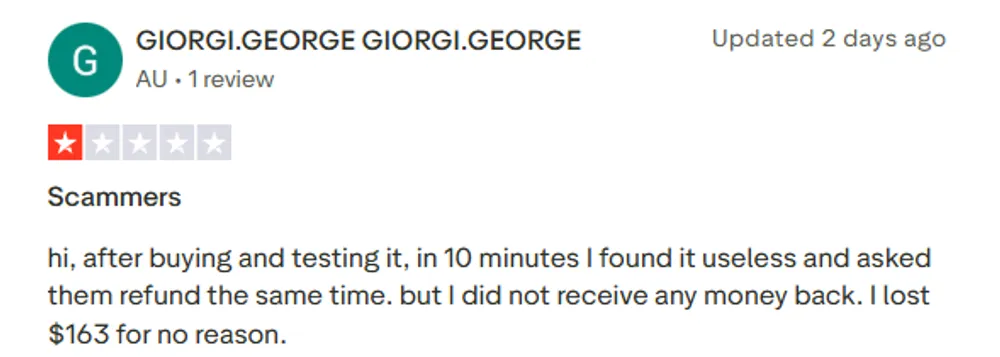
This feedback does not mean Dr.Fone fails in every situation, as results can vary depending on device models, iOS versions, and specific lock scenarios. However, it highlights why users should check compatibility and refund terms before purchasing.
During my testing, I also compared Dr.Fone with another iPhone unlocking tool I often use — Gbyte Unlock. While Dr.Fone offers a wide range of unlocking features, I found that different tools may fit different user needs depending on the situation.
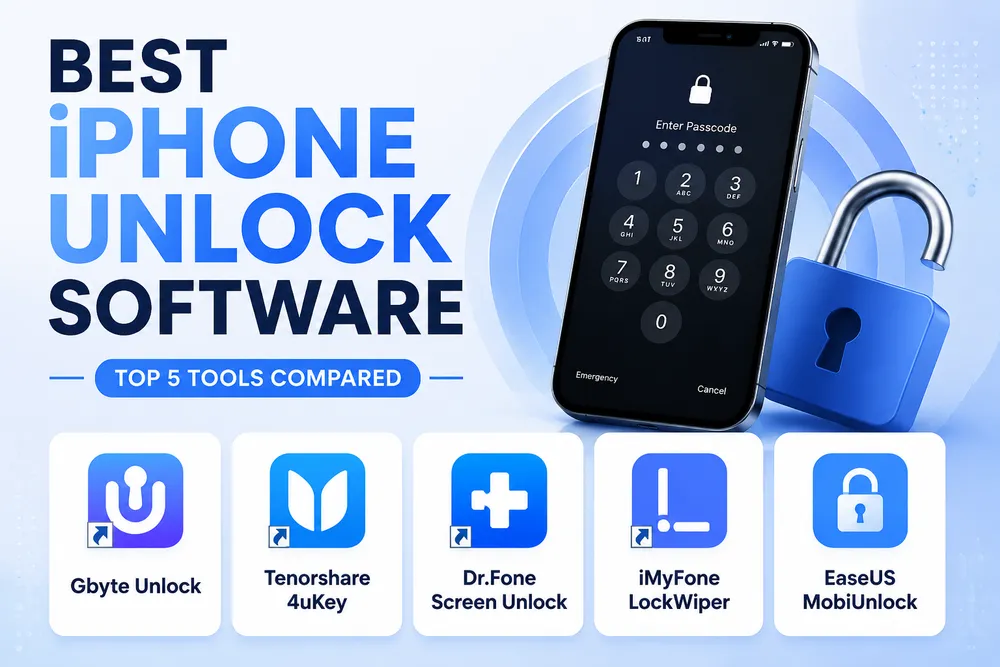
To put Dr.Fone's strengths and limitations in context, I also reviewed other tools in the same category, including Tenorshare 4uKey. Across all the tools I tested, Gbyte Unlock consistently stood out for users who mainly need iPhone unlocking features.
Dr.Fone stands out in several areas:
Wide range of unlocking features It supports multiple scenarios, including Screen Passcode Removal, Apple ID Removal, MDM Removal, and Screen Time passcode removal.
An all-in-one toolkit approach For users who need more than just unlocking, Dr.Fone provides additional device management and repair-related features in one package.
Established brand reputation As part of Wondershare’s product lineup, Dr.Fone has been available for years and is widely recognized among mobile repair tools.
![gbyte-unlock-start-screen-for-ios-screen-removal[1].webp](https://resource.gbyte.com/20260717/large/gbyte-unlock-start-screen-for-ios-screen-removal[1].webp "Gbyte Unlock start")
After testing both tools, I found Gbyte Unlock better fits my typical iPhone unlocking needs:
More focused on iPhone unlocking scenarios Instead of combining many different mobile utilities, Gbyte focuses on providing a dedicated iPhone unlocking solution for users who need to regain access to locked iPhones.
A simpler approach for common unlock situations For users dealing with forgotten passcodes or disabled iPhones, a dedicated unlocking workflow can be easier to follow.
More affordable pricing with broader device support Compared with Dr.Fone, Gbyte Unlock offers a lower starting price while supporting up to 5 mobile devices and 3 PCs under each plan. For users who mainly need iPhone unlocking features, Gbyte can provide better value without paying extra for additional tools they may not need.
Plan | Price | Supported Devices |
Monthly Plan | $25.99 | Up to 5 mobile devices, 3 PCs |
Yearly Plan | $39.99 | Up to 5 mobile devices, 3 PCs |
Lifetime Plan | $49.99 | Up to 5 mobile devices, 3 PCs |
My experience with Dr.Fone Screen Unlock was generally positive, especially when handling common unlocking situations like forgotten screen passcodes. However, its wide range of features may be more than some users actually need.
For my own needs, I prefer Gbyte Unlock because it focuses specifically on iPhone unlocking, offers a lower price, and supports multiple devices. That said, Dr.Fone remains a solid option for users who want a broader mobile repair toolkit.
Yes, Dr.Fone Screen Unlock works for supported unlocking scenarios. In my test, it successfully removed the screen passcode from my iPhone 13. However, results may vary depending on your device model and lock type.
Yes, Dr.Fone Screen Unlock is generally safe when downloaded from Wondershare’s official website. However, some unlocking processes may erase your data, so make sure you have a backup if possible.
Yes, most unlocking processes will erase the data on your iPhone due to Apple’s security restrictions. You can restore your data afterward if you have a backup.
Gbyte Unlock is a good alternative for users who mainly need iPhone unlocking features. It offers a more focused unlocking solution with lower pricing and support for multiple devices.
Yes. You can use Apple’s official Recovery Mode method through Finder or iTunes to restore your iPhone. However, this process also erases your device.
Dr.Fone supports many recent iOS versions, but compatibility depends on your specific iPhone model and unlocking feature. Check the latest compatibility information before using it.
 Add Gbyte as a preferred source on Google
Share


Related articles


Copyright ©2026 Gbyte. All rights reserved. Gbyte’s software is not developed by or affiliated with Apple Inc.
The installation wizard will automatically start after downloading.
After registration, the recovery process can be managed through the web interface.
You get it all with your purchase - no locked features, no hidden limitations.