Gbyte Recovery
Gbyte Recovery
Free scan and selective preview of 25+ data types like messages, photos, and WhatsApp. No data overwritten — recover only what you need.
 Gbyte Editorial Team
Table of contents
You’ve deleted a message, photo, or file—only to realize a few minutes later that it was important. Panic sets in. Can you still get it back? Is it buried somewhere deep in your phone’s memory, or is it permanently lost?
The answer isn’t always black and white. Whether deleted data can be recovered depends on several factors: how it was deleted, how long ago it happened, and what the system has done with that space since. In this article, we’ll explain what happens when data is deleted, what affects the chances of recovery, and how you can improve your odds.
When you delete something on your iPhone, it doesn’t always disappear instantly. Instead of removing the data completely, your phone often just removes the pointer—the digital “label” that tells the system where the file is.
Imagine a library where books are organized by a card catalog. If you remove the catalog entry for a book but leave the book on the shelf, it still exists—it’s just hard to find. This is what’s called logical deletion. The file is still on the phone’s storage; it’s just marked as “available space.”
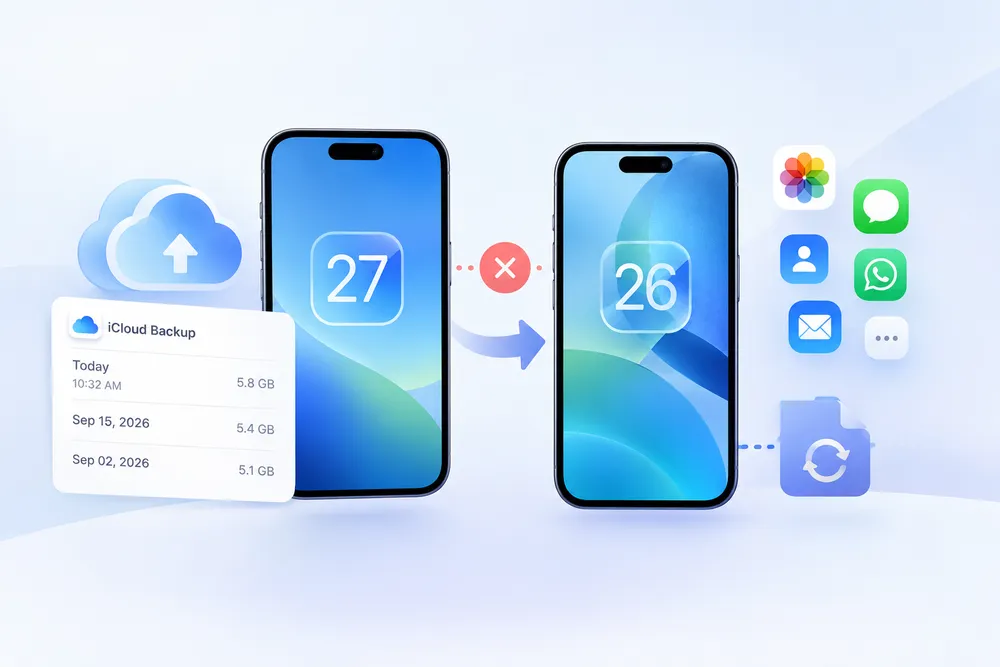
In theory, the file stays there until new data takes its place. In practice, iPhone encryption makes it very hard for any tool to read it back from the device itself. That’s why your best chance is often a copy stored outside the phone, such as an older iCloud backup.
Several things influence whether deleted data is still retrievable. Let’s go through the most important ones.
The more time that passes, the greater the chance your deleted data will be overwritten. This is especially true if you keep using your phone as usual—taking photos, downloading apps, or browsing online can quickly fill up the empty space.
If you realize data is missing, check your iCloud backups as soon as you can. Newer backups gradually replace older ones, so the version that still holds your data won’t be there forever.
Overwriting happens when the system saves new information to the same storage area where your deleted data once was. Once that happens, the original data is usually gone for good.
Think of your phone’s storage like a chalkboard. Deleting a file is like erasing a name but not wiping the board clean. Writing new data is like scribbling something else over that spot. Once it’s overwritten, you can’t get the original name back.
Modern smartphones, especially iPhones, use strong encryption. When a file is deleted, sometimes it’s not the file itself that’s destroyed—it’s the encryption key that unlocks it. Without the key, the file may still be present but unreadable.
This is particularly true when you use features like Erase All Content and Settings or when the device performs a secure wipe. In those cases, recovery is extremely unlikely.
Yes—some deletions are permanent by design. Here are scenarios where recovery becomes nearly impossible:
● Factory Reset: Especially on iOS, this action removes encryption keys, rendering data inaccessible.
● Secure Wipe Tools: Some tools overwrite data multiple times to prevent recovery.
● Automatic Cleanup: Apps like Messages or Photos may delete “Recently Deleted” items after 30 days.
In these cases, unless you have a backup, you won’t be able to restore your data.
It’s easy to fall into misinformation about data recovery. Let’s clear up some popular myths:
● Myth 1: “If it’s not in the ‘Recently Deleted’ folder, it’s gone forever.”
Not always true. If iCloud Backup was on, an older backup made before the deletion may still contain it.
● Myth 2: “Turning off the phone will protect my deleted files.”
Turning it off doesn’t make deleted files readable again. What matters more is whether a copy still exists in iCloud.
● Myth 3: “All my data is safe in iCloud.”
Not all app data or deleted items are included in iCloud backups. Sync settings matter.
If you’ve just deleted something important, don’t panic. But do act fast. Here’s what you can do to improve your chances:
● Check Recently Deleted in Photos, Notes, Messages, and Files first.
● Check whether iCloud Backup was on before the deletion (Settings > [your name] > iCloud > iCloud Backup).
● Use a recovery tool that can scan older iCloud backups, not just the latest one.
Also, consider setting up regular backups moving forward so future mistakes don’t become permanent.
Not sure if your deleted data is still recoverable? Don’t wait until it’s too late to find out. Gbyte Recovery scans the iCloud backups and synced data in your account—including older backups, not just the latest one—and shows you what can be brought back, even if you thought it was gone for good.
● Preview files before restoring
● Selectively recover what you need
● No manual backup needed
● No risk of overwriting current data
Scan your iCloud backups with Gbyte Recovery today—because sometimes, the data isn’t really gone.

 Add Gbyte as a preferred source on Google
Share


Related articles


Copyright ©2026 Gbyte. All rights reserved. Gbyte’s software is not developed by or affiliated with Apple Inc.
The installation wizard will automatically start after downloading.
After registration, the recovery process can be managed through the web interface.
You get it all with your purchase - no locked features, no hidden limitations.