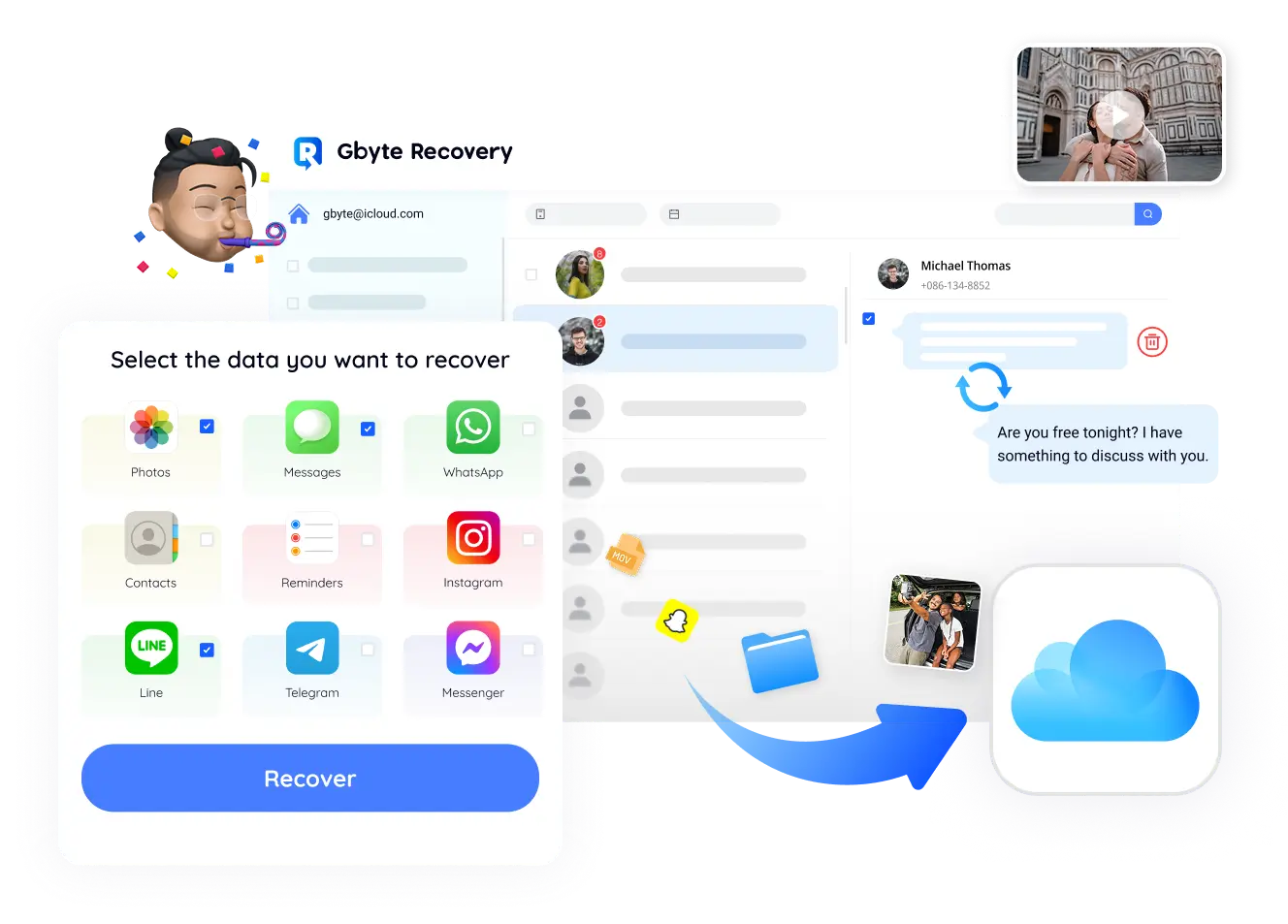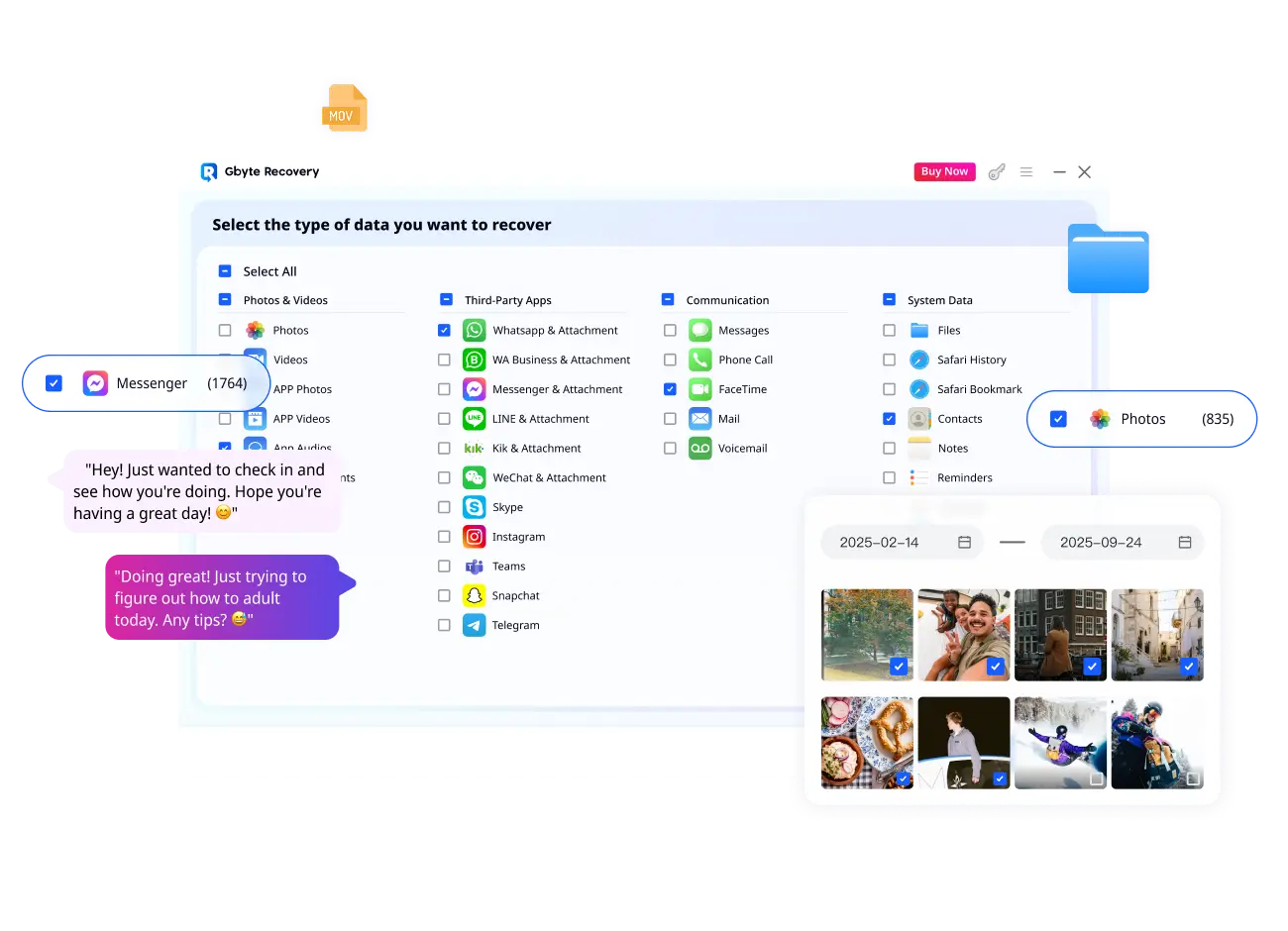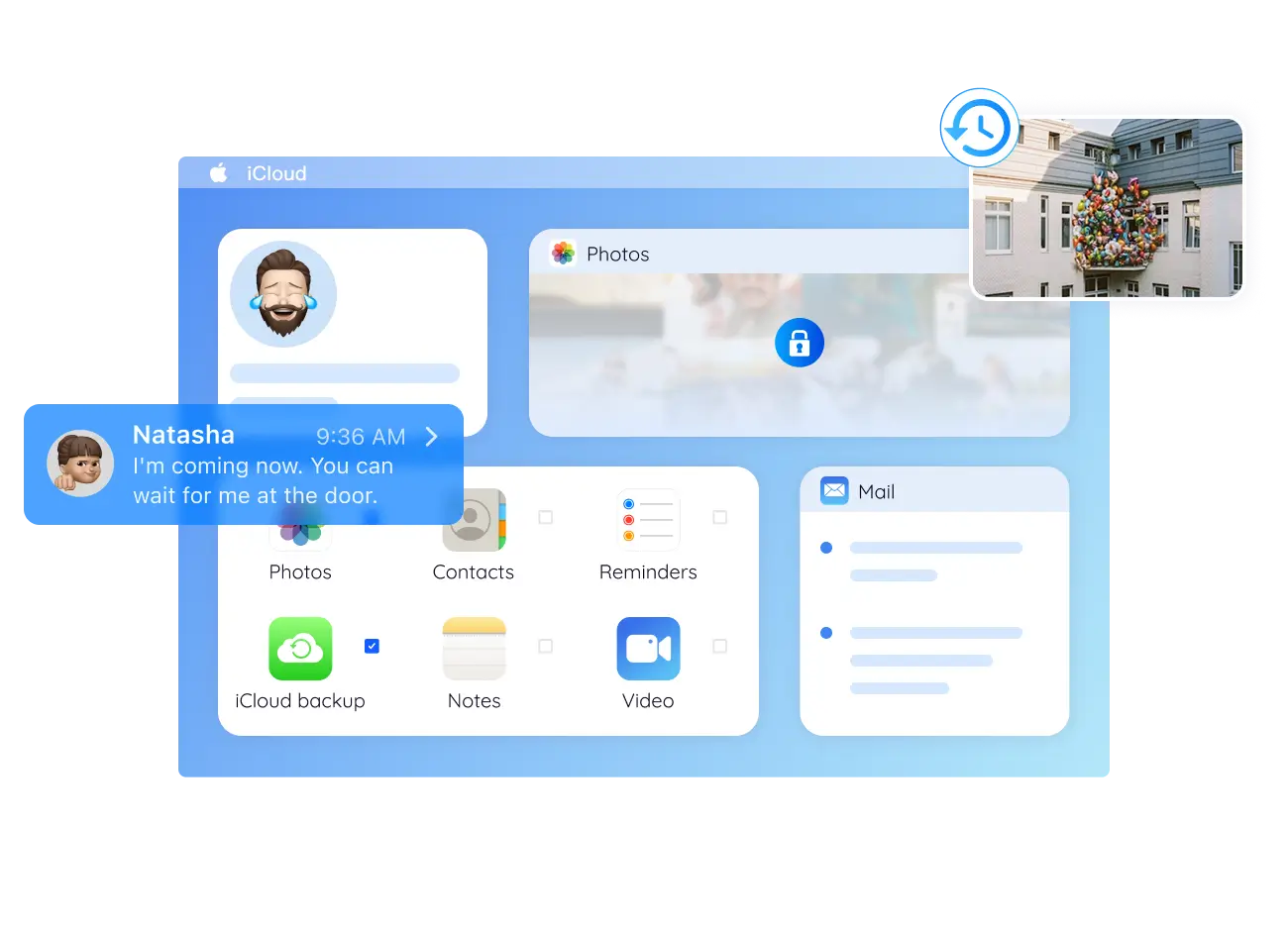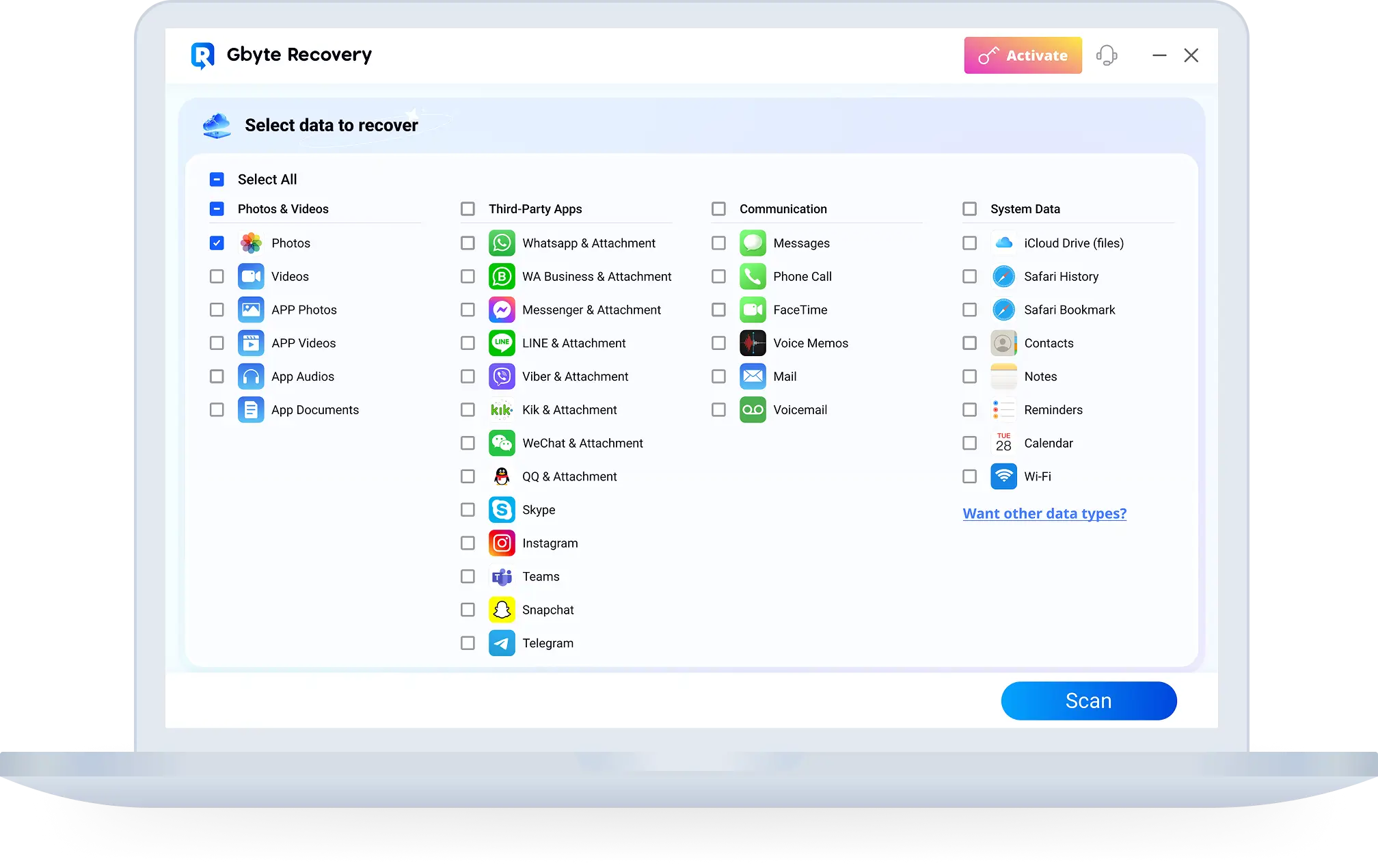
Title: iCloud 数据恢復 | 使用 Gbyte 免費掃描和恢復 URL Source: https://recovery-next-web.pages.dev/tw/icloud-data-recovery Markdown Content: ![Image 1: bannerBg](https://recovery-next-web.pages.dev/images/messages/banner/bannerBg.webp) ![Image 2: cta](https://recovery-next-web.pages.dev/images/logos/gbyte-recovery-icon.svg) Gbyte Recovery ![Image 3: versions](https://recovery-next-web.pages.dev/images/messages/banner/versions.svg) 超越 Apple 限制,恢復 iCloud 資料 ------------------------ 獨家快照提取技術,恢復所有歷史 iCloud 資料 好奇我們如何超越 Apple 的 iCloud 復原嗎? 快來看看吧! ![Image 4: icloudBanner](https://recovery-next-web.pages.dev/images/icloud/icloudBanner.webp) 支援 Windows 和 Mac 備受信賴 ![Image 5: tech-times](https://recovery-next-web.pages.dev/images/messages/trusted/techTimesPink.svg) ![Image 6: techradar](https://recovery-next-web.pages.dev/images/messages/trusted/techradarPink.svg) ![Image 7: igeeksblog](https://recovery-next-web.pages.dev/images/messages/trusted/igeeksblogTink.svg) ![Image 8: topten-reviews](https://recovery-next-web.pages.dev/images/messages/trusted/topTenReviewsTink.svg) ![Image 9: pocket-lint](https://recovery-next-web.pages.dev/images/messages/trusted/pocketlintPink.svg) 解鎖更多選項且無限制的完整数据恢復 ----------------- * 復原範圍與限制 * 復原方法 * 支援的資料類型 * 選擇性数据恢復 * 技術與相容性 ![Image 10: recover](https://recovery-next-web.pages.dev/images/icloud/recover.svg) Gbyte Recovery ![Image 11: Supported](https://recovery-next-web.pages.dev/images/icloud/correct.svg)恢復自 iCloud 開始以來的所有資料,不僅僅是最後 30 天。 ![Image 12: Supported](https://recovery-next-web.pages.dev/images/icloud/correct.svg)恢復任何時間點的任何檔案。 ![Image 13: recoveryStore](https://recovery-next-web.pages.dev/images/icloud/recoveryStore-en.webp) ![Image 14: Vs](https://recovery-next-web.pages.dev/images/icloud/VS.webp) ![Image 15: cloud](https://recovery-next-web.pages.dev/images/icloud/cloud.svg) 官方 iCloud 恢復 ![Image 16: Not supported](https://recovery-next-web.pages.dev/images/icloud/error.svg)僅恢復過去 30 天或最近備份的資料。 ![Image 17: Not supported](https://recovery-next-web.pages.dev/images/icloud/error.svg)限於特定資料類型(部分訊息、照片、檔案)。 ![Image 18: iCloudStore](https://recovery-next-web.pages.dev/images/icloud/iCloudStore.webp) Apple iCloud 對比 Gbyte Recovery ------------------------------ | 功能 | Apple iCloud 恢復 | Gbyte Recovery | | --- | --- | --- | | 復原內容 | 照片、影片、檔案、筆記、郵件、聯絡人、日曆事件 | 照片、影片、應用程式資料(例如 WhatsApp 聊天記錄)、訊息、已刪除檔案等 | | 恢復永久刪除的資料 | ![Image 19: Not supported](https://recovery-next-web.pages.dev/images/icloud/error.svg) | ![Image 20: Supported](https://recovery-next-web.pages.dev/images/icloud/correct.svg) | | 資料覆寫 | ![Image 21: warn](https://recovery-next-web.pages.dev/images/icloud/warn.svg)(覆寫) | ![Image 22: Supported](https://recovery-next-web.pages.dev/images/icloud/correct.svg)(不覆寫) | | 第三方應用程式資料 | 限於部分應用程式資料(例如郵件、聯絡人) | ![Image 23: Supported](https://recovery-next-web.pages.dev/images/icloud/correct.svg)(WhatsApp、Instagram、Facebook 等) | | 恢復速度 | 慢 | 快 | | iCloud 備份 | 僅限最近備份,需要 iPhone | 存取所有備份,無需 iPhone 即可恢復 | | 復原前預覽 | ![Image 24: Not supported](https://recovery-next-web.pages.dev/images/icloud/error.svg) | ![Image 25: Supported](https://recovery-next-web.pages.dev/images/icloud/correct.svg) 恢復前免費預覽 | | 技術原理 | 最後備份時的單一快照—之後刪除的任何內容都將遺失 | 比較一段時間內的多個快照(分鐘、小時、天),以捕獲每個變更 | | 限制 | ![Image 26: warn](https://recovery-next-web.pages.dev/images/icloud/warn.svg) 僅限最近備份,無社交資料,無預覽,有覆寫風險 | ![Image 27: warn](https://recovery-next-web.pages.dev/images/icloud/warn.svg) 需啟用 iCloud 備份 | 常見問題 ---- * ### 什麼是 iCloud 数据恢復?Gbyte 與 Apple 的 iCloud 恢復有何不同? iCloud 数据恢復幫助您從 iCloud 帳戶恢復遺失或刪除的檔案、照片、訊息和備份。與 Apple 內建的 iCloud 恢復(有 30 天限制和有限的資料類型)不同,Gbyte iCloud 数据恢復可以無時間限制地恢復資料,支援 20 多種資料類型,並讓您在恢復前預覽。 * ### Gbyte 能否協助 iCloud 帳戶恢復或密碼恢復? 如果您忘記了 iCloud 密碼,您仍然需要透過 Apple 的官方 iCloud 帳戶恢復流程重設密碼。然而,一旦您重新獲得存取權限,Gbyte iCloud 恢復軟體可以幫助您比 Apple 的原生工具更有效地恢復已刪除或隱藏的資料。 * ### Gbyte 是否支援 iCloud 照片恢復和 iCloud 備份恢復? 是的。使用 Gbyte iCloud 照片恢復,您可以找回已刪除或隱藏的照片,甚至超越 Apple 的 30 天限制。我們的工具也支援 iCloud 備份恢復,讓您存取多個舊備份,並選擇性地恢復檔案,而不覆寫您的裝置。 * ### 我可以恢復 iCloud 訊息、WhatsApp 或其他應用程式資料嗎? 絕對可以。Gbyte iCloud 訊息恢復可檢索簡訊、iMessage、WhatsApp 和其他 Apple 不支援的應用程式資料。這使 Gbyte 成為個人和企業 iCloud 訊息恢復需求的完整解決方案。 * ### 如果我需要無手機號碼的 iCloud 恢復—Gbyte 能協助嗎? 如果您無法通過 Apple 的雙重認證(例如遺失號碼),您必須先聯絡 Apple 進行無手機號碼的 iCloud 恢復。一旦存取權限恢復,Gbyte 可以使用我們先進的 iCloud 数据恢復技術,安全地恢復您已刪除的檔案、備份、照片和訊息。 ![Image 28: cta](https://recovery-next-web.pages.dev/images/logos/gbyte-recovery-icon.svg) Gbyte Recovery 用 Gbyte 恢復 iCloud 無法恢復的內容- 100% 免費 掃描、預覽和下載 ![Image 29: Gbyte Logo](https://recovery-next-web.pages.dev/images/footer-icon/logo.webp) [![Image 30: instagram](https://recovery-next-web.pages.dev/images/app-icons/InstagramAwesome.svg)](https://www.instagram.com/gbyterecovery/)[![Image 31: twitter](https://recovery-next-web.pages.dev/images/app-icons/twitterAwesome.svg)](https://x.com/GbyteRecovery)[![Image 32: youtube](https://recovery-next-web.pages.dev/images/app-icons/youtubeAwesome.svg)](https://www.youtube.com/@Gbyte_Recovery) ![Image 33: language](https://recovery-next-web.pages.dev/images/components-icon/Langue.svg) ![Image 34: dropdown arrow](https://recovery-next-web.pages.dev/images/product/icon-wrapper.svg) 訂閱我們的新聞信 接收最新的產品更新、教程和提示,保護您的數據不被丟失! 您可以在任何時候取消訂閱我們的新聞信,只需點擊我們新聞信底部的“取消訂閱”鏈接即可。 版權所有 @2026 Gbyte. 保留所有權利。