

Gbyte Unlock

Gbyte Unlock
Safely remove any iPhone/iPad screen lock in a few clicks.
Table of contents
A security policy from a work, school, or managed account requires the passcode change — this is not a sign of hacking. The current passcode still works to make the change, and the message clears once it's updated. Where the device is no longer accessible because the new passcode was forgotten, the fix is different — that calls for removing the screen passcode rather than working through the settings.
Seeing "Your iPhone Unlock Passcode Has Expired" pop up out of nowhere is unsettling, especially with no memory of setting up anything that would trigger it. There's a specific, ordinary cause behind it.
Situation | Possible Reason |
Company-issued iPhone | MDM password policy |
School-managed device | Organization restrictions |
Personal iPhone with a work email added | Exchange security policy |
Personal iPhone, no known work account | A previous management profile may still remain |
An organization managing the device often through Mobile Device Management (MDM) profiles, or certain work account security policies that can accompany an Exchange email setup, sets rules for how often the passcode changes. The prompt appears once the current passcode passes that age limit.
This is a different mechanism entirely from the 72-hour window that lets a recently changed passcode be reset with the old one — that feature applies to a forgotten passcode, not an expired one. The two get confused often, but they don't overlap.
No. This message comes from a device management policy, not unauthorized access. Nothing about it indicates the Apple Account or the device itself has been compromised.
One piece of advice worth correcting directly: some online discussions claim entering the current passcode into the change-passcode screen is itself risky, or a hacking attempt in disguise. It isn't. The screen shown is Apple's own Settings interface for changing a passcode — the same one used any time the passcode is updated voluntarily. Refusing to use it based on that advice just leaves the prompt reappearing indefinitely.
Whether the phone can still be unlocked normally changes what comes next. Settings still opening and accepting the current passcode means the fix below applies directly. A device that no longer accepts any passcode, or that never made it past setting the new one, is a locked-out situation instead — covered further down.
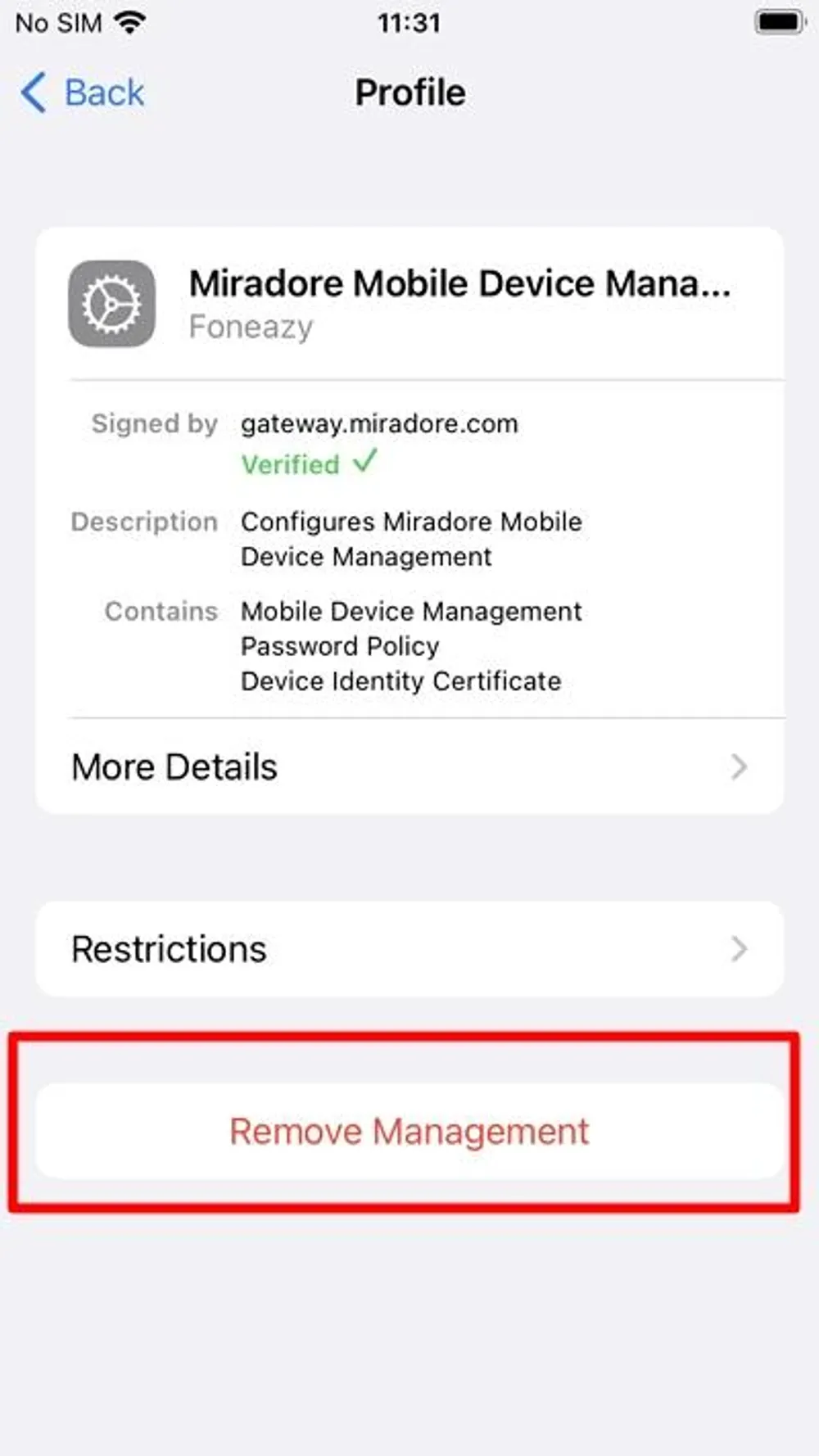
Settings > General > VPN & Device Management shows this directly. A listing under "Mobile Device Management" — or wording like "Profile" or "Remote Management" — confirms the device is enrolled. Tapping the profile and then "More Details" shows the specific rights assigned to it, including whether a passcode policy is part of them.
The current passcode is known. Settings > Face ID & Passcode (or Touch ID & Passcode) > Change Passcode. Enter the current one, then set and confirm a new one. This clears the message immediately.
The goal is removing the policy entirely. Start with the management profile itself: Settings > General > VPN & Device Management, select the profile, and look for a "Remove Management" option — available when the organization allows self-removal. Where that option isn't there, removing the associated work or school email account (Settings > Mail > Accounts, select the account, Delete Account) removes the policy along with it. Neither step is available on a company-owned or school-owned device without the organization's cooperation, since removing an enforced policy on managed hardware isn't something the device owner controls.
No known work account exists, and the message still shows up. A profile from a previously removed account can leave a policy behind without fully clearing. Checking VPN & Device Management for a leftover profile — even one that looks unrelated to any current account — is worth doing before assuming this is a bug.
A handful of situations produce this exact result. A profile from a job or school left behind after the account itself was deleted is the most common — removing the email doesn't always clear the management profile that came with it. A second-hand or hand-me-down iPhone can carry a leftover profile from whoever managed it before. Either way, the fix is the same: locate and remove the profile directly under VPN & Device Management, rather than searching for an account that no longer exists to explain it.
Passcode expired and forgotten passcode are two separate problems. The first means the current passcode still works and simply needs replacing. The second means access to the device itself is gone.
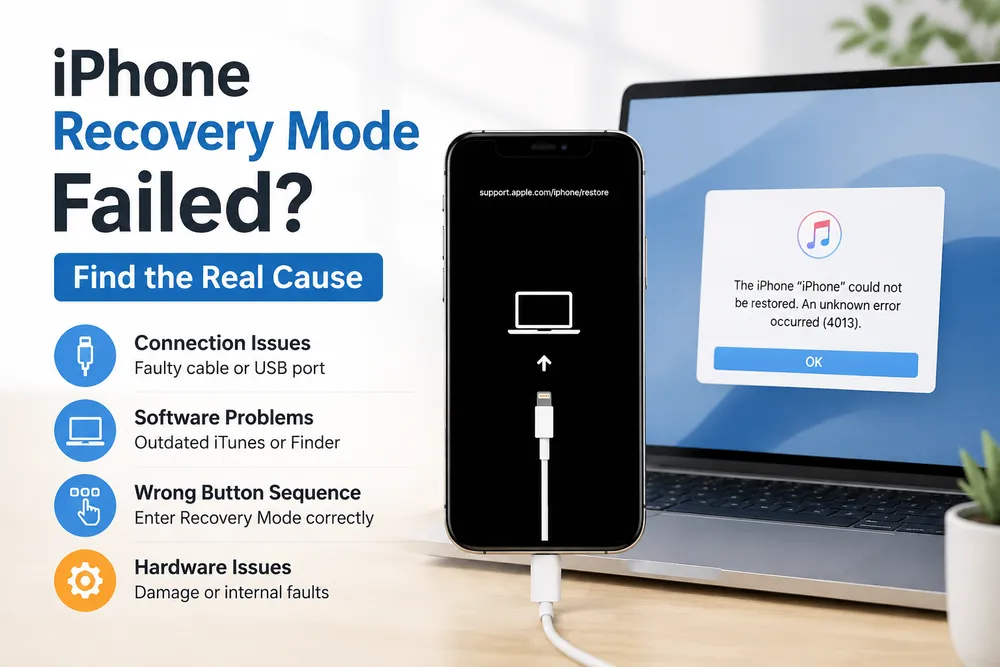
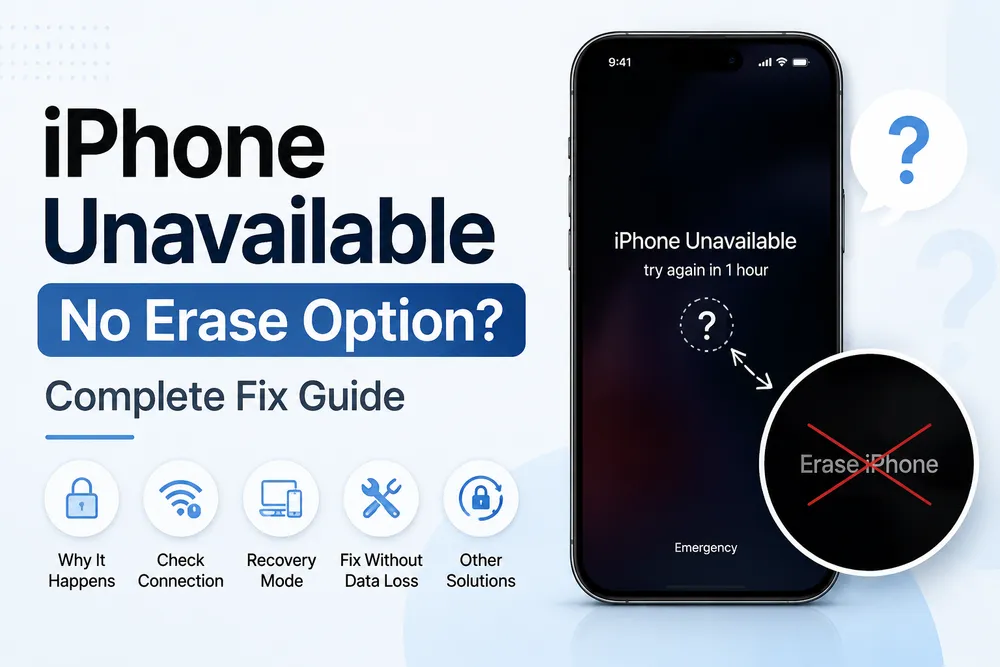
Locked out after failing to set a new passcode in time, or after forgetting it right after changing it, calls for removing the forgotten screen passcode rather than working through the account settings above. Official routes — Find My erase, or Recovery Mode through a computer — remove it by erasing the device. Where Recovery Mode feels overly technical, a guided unlock tool can automate the firmware download and restore steps while removing the forgotten screen passcode, without requiring prior experience with Apple's own recovery process.
Removing the screen passcode this way doesn't touch the underlying MDM policy. A managed device set up again afterward re-enrolls under the same organization, with the same passcode requirements waiting on the other side.
"Passcode Expired" traces back to a managed account, not a security breach — changing the passcode or removing the account behind it resolves it without erasing anything. Getting locked out on top of it is a different problem, with its own separate fix. Where the device is no longer accessible because the new passcode was forgotten, following the appropriate recovery method restores access from there.
No. On a personal iPhone with no organization involved, Apple sets no expiration on the passcode. Expiration only happens through an MDM or Exchange policy tied to a managed account.
The interval is set by whoever manages the device, commonly somewhere in the 30-to-90-day range. Checking the profile's details under VPN & Device Management shows the specific requirement for that device.
A genuine passcode expiration prompt appears within the iPhone's own Settings, requires action to dismiss, and never asks for personal information beyond the passcode itself. A version that shows up inside a browser, or asks for anything beyond that, is a phishing attempt and should be closed without entering anything.
Removing the account itself doesn't erase the phone. Work-specific data delivered through that account — synced email, calendar entries, or documents tied to it — leaves with the account, while personal data stored on the device stays untouched.
A management profile from a previously removed account can remain active without a visible connection to any current app or email. Checking Settings > General > VPN & Device Management for a leftover profile addresses this directly.
Yes. Changing the passcode, or removing the management profile or account behind the policy, both work without erasing anything. Erasing only becomes necessary when the device is actually locked out, which is a separate situation from the policy itself.
 Add Gbyte as a preferred source on Google
Share


Related articles


Copyright ©2026 Gbyte. All rights reserved. Gbyte’s software is not developed by or affiliated with Apple Inc.
The installation wizard will automatically start after downloading.
After registration, the recovery process can be managed through the web interface.
You get it all with your purchase - no locked features, no hidden limitations.