

Gbyte Recovery
Gbyte Recovery
Free scan and selective preview of 25+ data types like messages, photos, and WhatsApp. No data overwritten — recover only what you need.
Table of contents
Free recovery software exists, and some of it is genuinely good. What matters is which kind of free you're getting: unlimited recovery, a capped number of gigabytes, or a limit on how many files you can pull back at once. The difference is bigger than it sounds. A tool can be completely free and still be useless for the job in front of you — a 500 MB allowance is a preview, not a discount, when you're trying to get back a folder of video footage.
Seven tools below, sorted by what they actually let you keep.
One thing before you download anything: don't install recovery software on the drive you're trying to recover from.
Tool | Free recovery limit | Can save files for free? | Platform | Best for |
Recuva | Unlimited | Yes | Windows | Simple deletions |
TestDisk / PhotoRec | Unlimited | Yes | Win / Mac / Linux | Partitions and difficult cases |
EaseUS Free | Up to 2 GB (500 MB default) | Yes | Win / Mac | Beginners |
Disk Drill | 500 MB (Windows) | Windows only | Win / Mac | Polished interface |
Stellar Free | 1 GB | Yes | Win / Mac | Preview before paying |
Wise Data Recovery | Up to 2 GB | Yes | Windows | Easiest to use |
DMDE Free | 4,000 files per operation | Yes | Win / Mac / Linux | Technical users |
Only two of the seven — Recuva and PhotoRec — will finish a large recovery without asking for payment. The rest cap you somewhere between 500 MB and 2 GB, which is enough for documents and photos but runs out quickly on video.
1. Stop using the affected drive. Every write to that drive can land on top of the data you're trying to get back. If it's your system drive, that means shutting the computer down rather than browsing for solutions on it.
2. Install the software somewhere else. Another internal drive, an external disk, or a USB stick. PhotoRec and DMDE both run without installation, which sidesteps the problem entirely.
3. If the drive is failing, image it first. Clicking, grinding, or a drive that won't mount points to a hardware problem, and running scan after scan on it can finish off what's left. Make a disk image and work from the copy. Physical damage — a dropped drive, water, fire — is outside what any software can fix; that's a job for a recovery lab.
We included tools whose vendors currently state that their free versions allow users to recover files, rather than merely scan or preview them. We also checked the published recovery limits, supported platforms, and major restrictions on each vendor's official website.
The seven below each represent a different approach rather than seven versions of the same thing: an unlimited GUI tool, open-source file carving, partition repair, a beginner-friendly interface, a polished commercial UX, cross-platform limited recovery, and low-level filesystem work.
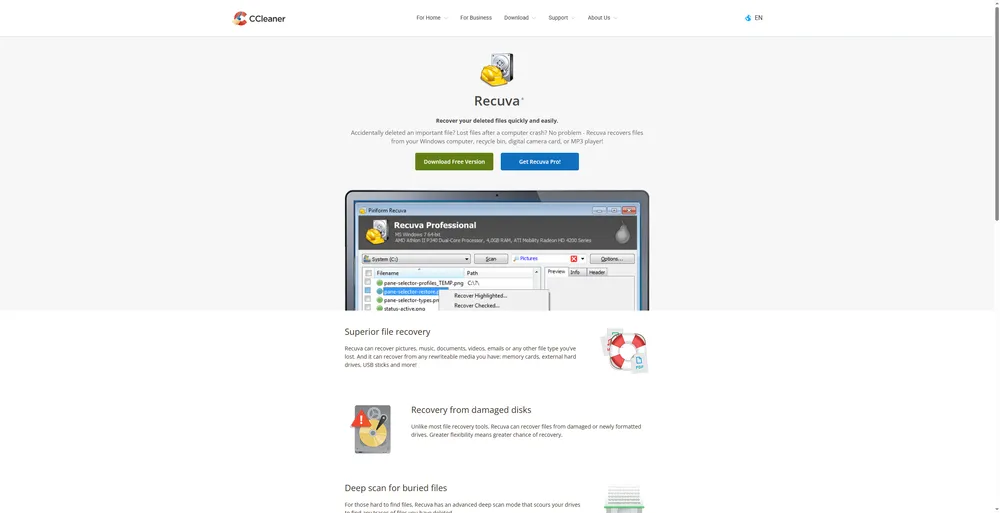
Free limit: Unlimited Platform: Windows only
Recuva comes from Piriform, the CCleaner developers, and it's one of the few mainstream Windows tools where the free version doesn't cap how much you get back.
✅ What it does well
No limit on how much you recover — rare among commercial tools
Scans finish in seconds on a normal deletion
Filenames usually survive intact
Fastest route for a file deleted from the Recycle Bin recently
❌ Where it falls short
Windows only, no Mac version
Formatted drives return partial results
Struggles on SSDs (for reasons covered further down)
Free and Professional editions are both licensed for home use only
Free limit: Unlimited Platform: Windows, Mac, Linux
These ship together but do completely different jobs, and it's worth knowing which one you need.
🔧 TestDisk — handles the drive itself:
Repairs partition tables
Fixes filesystem structures
Gets non-booting drives readable again
Use it when the drive has stopped showing up properly
📁 PhotoRec — handles the files:
Ignores the filesystem entirely
Reads raw storage looking for file signatures
Still works on media that's been formatted or corrupted
Use it when the filesystem records are already gone
✅ Shared advantages
Completely free, open source, nothing held back behind a paid tier
No installation needed — both run from a USB stick
Running from USB removes the risk of overwriting the data you're after
⚠️ The trade-off
TestDisk is command-line only and takes some reading to use
PhotoRec has a graphical version, which is more approachable
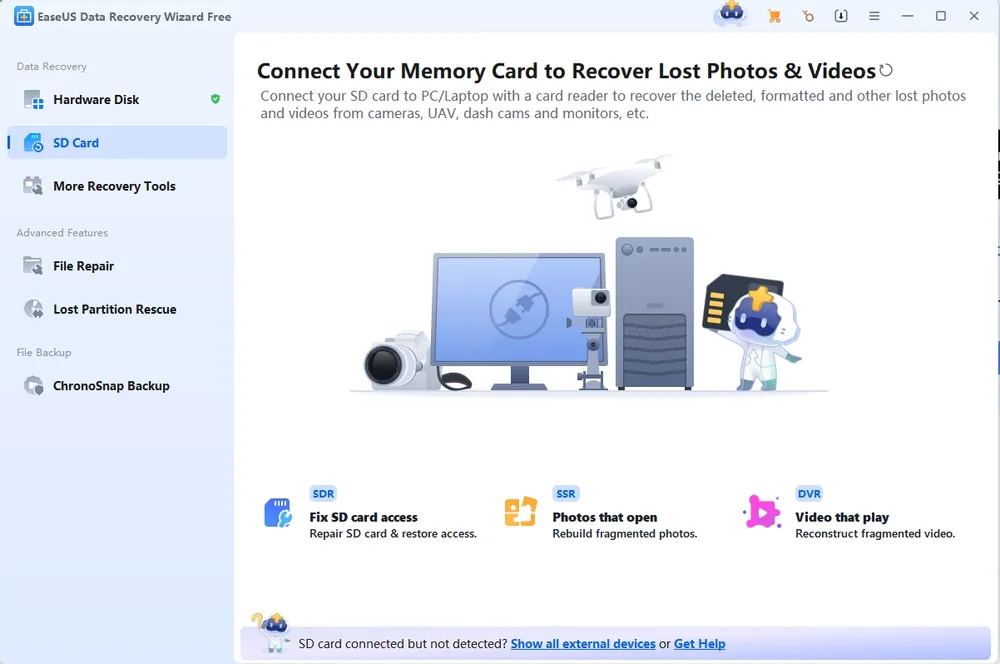
Free limit: Up to 2 GB (500 MB by default, plus 1.5 GB after sharing the software on social media) Platform: Windows, Mac
The most approachable interface of the seven. Pick a drive, scan, preview, recover — there's very little to get wrong.
✅ What it does well
Easiest workflow on this list
Reliable about restoring original filenames, which matters more than expected when you're facing a few hundred recovered files
Available on both Windows and Mac
⚠️ Watch out for
EaseUS offers both a Free version and a Trial version, and they are not the same
The Trial shows you what's recoverable but won't let you save anything
Plenty of people download the Trial, assume the free recovery claim was a bait, and give up
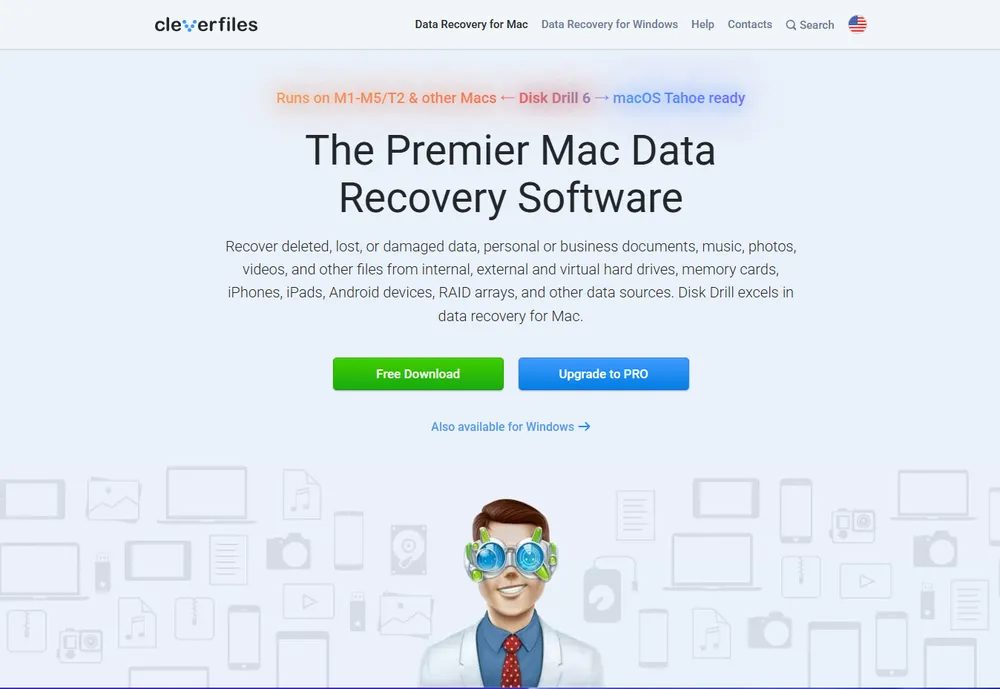
Free limit: 500 MB on Windows. On Mac you can scan and preview, but saving files requires payment.Platform: Windows, Mac
✅ What it does well
The most refined interface here
Wide device coverage — internal drives, external disks, USB sticks, SD cards, cameras
Includes Recovery Vault, which tracks deleted file metadata to improve future recoveries
⚠️ Watch out for
The platform split is the thing to check before downloading
Mac users get a scanner and a preview window, not free recovery
On a Mac looking specifically for something free, one of the open-source options will serve you better
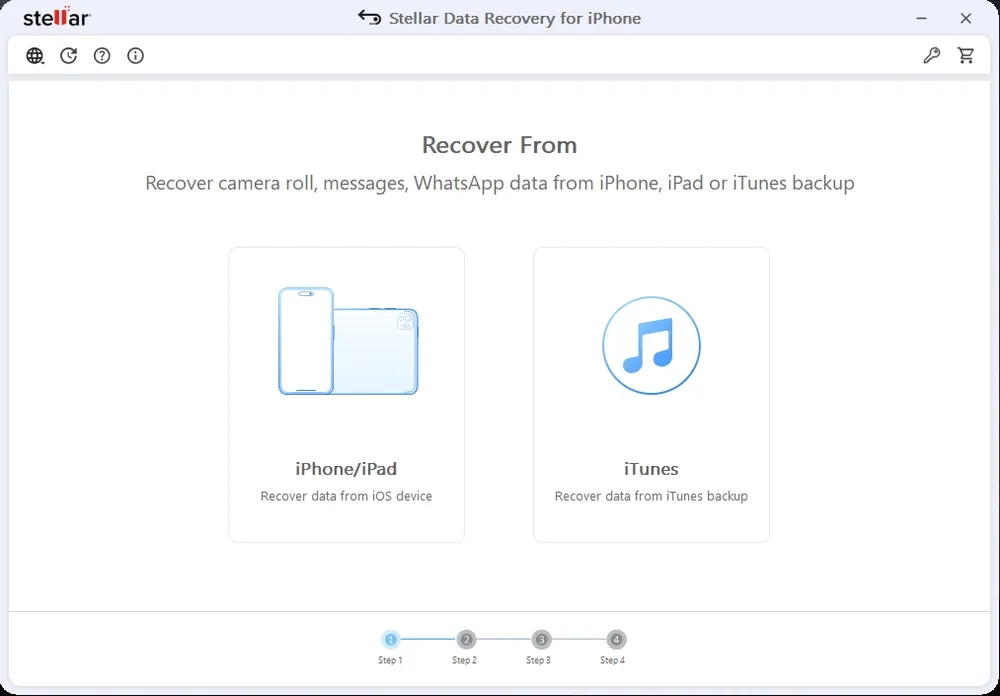
Free limit: 1 GB Platform: Windows, Mac
✅ What it does well
More generous free tier than most
Same allowance on Windows and Mac, unlike some competitors
Advanced scanning options aren't held back — full search and preview capability in the free version
The cap only applies when you go to save
❌ Where it falls short
Deep scans are slow
If the quick scan misses what you need, budget some time
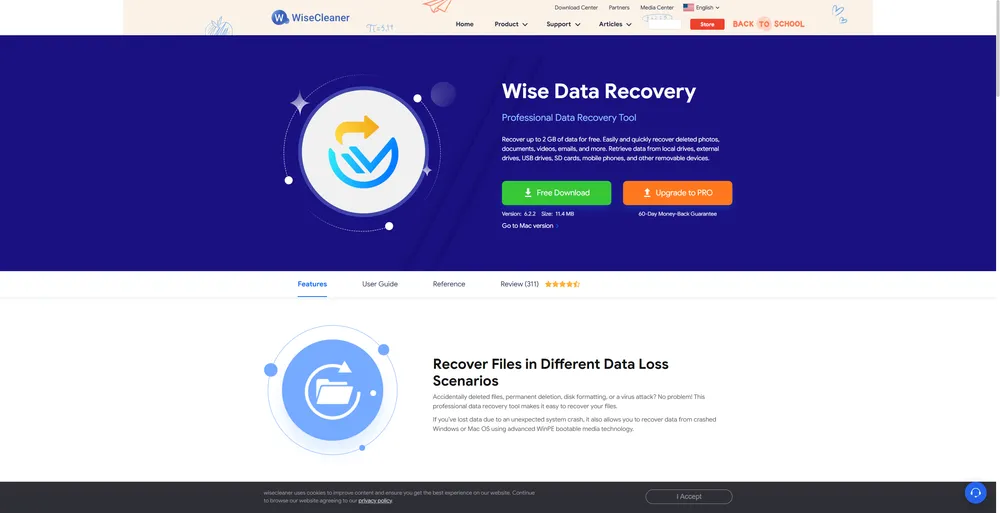
Free limit: Up to 2 GB Platform: Windows
✅ What it does well
Recovery in about three clicks
Traffic-light indicator next to each result — green, amber, or red — showing how likely that file is to come back intact
That one feature saves a lot of wasted attempts on files that were never going to open
Results laid out in an Explorer-style tree, so you can see where a file originally lived
❌ Where it falls short
Basic feature set compared to DMDE or TestDisk
Windows only
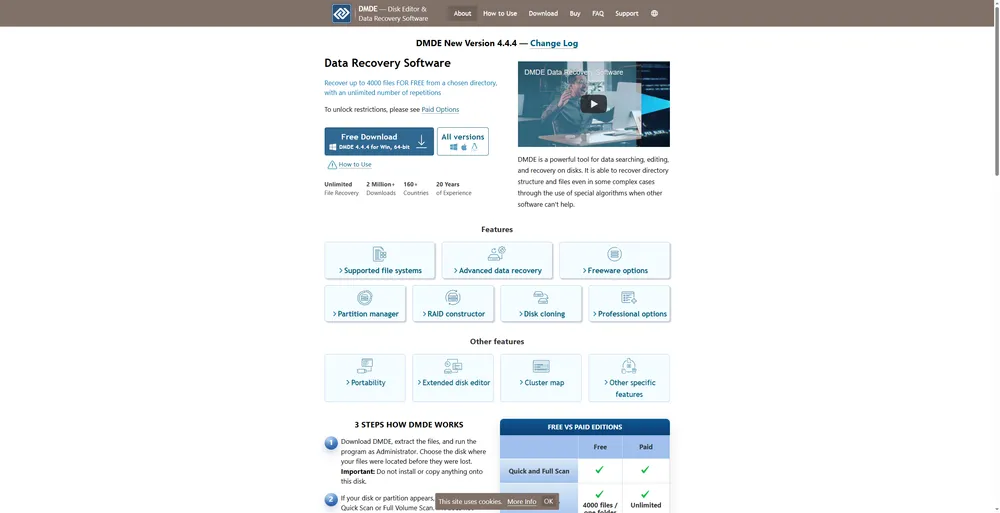
Free limit: Up to 4,000 files per recovery operation, with no limit on the number of operations Platform: Windows, Mac, Linux
✅ What it does well
Goes deeper than anything else on this list
Reconstructs RAID arrays
Edits disks at the sector level
Handles filesystem damage that stops other tools cold
Still sees drives with corrupted partition structures
The 4,000-file cap is per operation, not in total — a large recovery is a matter of batching rather than paying
❌ Where it falls short
Dense interface, steep learning curve
Help documentation assumes you already know the terminology
Free edition is personal use only
The seven above split into three groups, and which group you need depends entirely on how much you're trying to recover.
🟢 Unlimited — Recuva, TestDisk and PhotoRec
No cap on size or file count. Recuva covers Windows with a normal interface; PhotoRec covers everything but asks more of you. These are the only two options here that will finish a large recovery without a payment prompt.
🟡 Limited by size — EaseUS, Stellar, Disk Drill, Wise
Somewhere between 500 MB and 2 GB. That's fine for a handful of documents or a few dozen photos. It runs out fast on anything involving video.
🟠 Limited by operation — DMDE
4,000 files at a time, repeated as often as you like. Effectively unlimited if you're willing to work in batches.
The practical point: if you're trying to get back 10 GB of footage, a 500 MB free tier isn't a discount on the paid version. It's a demonstration. Knowing that before you install saves you the hour of scanning and the disappointment at the save button.
Often no, and the reason has nothing to do with which software you pick.
On a traditional hard drive, deleting a file doesn't erase it. The operating system removes the pointer and marks that space as available, but the data sits there until something writes over it. That gap is what recovery software exploits, and it can last days or weeks on a drive that isn't being heavily used.
SSDs work differently. A command called TRIM tells the drive which blocks are no longer in use so it can clear them ahead of time — this keeps write performance from degrading, and it's on by default on modern systems. The side effect is that deleted data on an SSD can be physically erased within minutes, before any recovery tool gets a look at it.
What that means in practice:
Recovery odds on an SSD are considerably lower than on a hard drive, regardless of the tool
The time window is much shorter — minutes to hours rather than days
Acting immediately matters far more than choosing the perfect software
If you've just deleted something important from an SSD, stop using the machine now. Every minute it stays powered on gives TRIM another chance to run.
Most desktop file-recovery tools work by analyzing storage that the operating system exposes to them — looking for deleted files, filesystem records, or recoverable data remnants left behind on a drive. That approach depends on having direct access to the storage layer.
iPhone recovery works under different constraints. iOS storage is encrypted at the hardware level, and Apple restricts what outside applications can read from a device. This is why the tools above either leave iPhone off their supported device list, or handle it through a separate module that reads an iTunes backup sitting on your computer — a file on your hard drive rather than the phone itself. Recovering data that's no longer on the device usually means going to where a copy still exists: an iCloud backup, synced data, or a local backup.
.webp "gbyte scan complete")
Gbyte Recovery is built for that second path, working from the recovery sources available on an iPhone rather than scanning a drive. The scan and preview are free, so you can see what's recoverable before deciding whether to pay. Worth knowing upfront: this depends on a copy having been stored somewhere in the first place. If backups had stopped completing, or nothing was ever synced, there's nothing for any tool to find — the same limit that applies to a drive whose data has already been overwritten.
The reputable ones are, with two caveats. Download only from the official site — recovery software is a popular target for repackaging with adware. And check that the tool scans without writing to the source drive; anything that offers to "repair" or "optimize" the drive before recovering is doing the opposite of what you want.
The bigger risk usually isn't the software. It's continuing to use the drive while you decide which one to try.
Usually a cap. Most vendors give away a limited amount of recovery so you can confirm the tool works on your specific problem, then charge for the rest. That's a reasonable model, and it's more useful than a trial that only shows you a file list.
The exception is open source. TestDisk and PhotoRec have no paid tier at all — nothing is held back. The trade-off there is the interface rather than the price.
A free version lets you save recovered files, up to whatever limit applies. A trial version scans and shows you what's there, but recovering anything requires payment.
EaseUS offers both, which catches a lot of people out — they download the Trial, find they can't save anything, and conclude the free recovery claim was false. Check which one you're getting before you spend an hour scanning.
Usually yes, on a hard drive. Emptying the bin removes the pointer to the file, not the file itself. Every tool on this list handles this case, and it's the scenario where success rates are highest — provided you haven't written much to the drive since.
On an SSD, the odds drop sharply for the TRIM reasons above.
Often, yes. Formatting typically rewrites the filesystem records rather than wiping the storage itself, so the file contents frequently survive.
PhotoRec is the strongest option here because it doesn't rely on filesystem records at all — it reads raw data looking for file signatures, which is exactly what's needed once the filesystem is gone. DMDE is the other one worth trying on this scenario. Expect filenames to be missing even when the files come back; that information lived in the records that formatting cleared.
PhotoRec and TestDisk (both cross-platform and unlimited), EaseUS (up to 2 GB), Stellar (1 GB), and DMDE (4,000 files per operation) all offer free recovery on macOS.
Disk Drill is the one to watch: its Mac version lets you scan and preview, but saving files requires a paid licence. Recuva and Wise are Windows-only.

Liam Carter
AuthorTech writer and lifelong Apple user with over 20 years of experience across every iPhone, iPad, and Mac he could get his hands on. He specializes in turning Apple's most confusing systems into guides that anyone can follow.

 Add Gbyte as a preferred source on Google
Share


Related articles


Copyright ©2026 Gbyte. All rights reserved. Gbyte’s software is not developed by or affiliated with Apple Inc.
The installation wizard will automatically start after downloading.
After registration, the recovery process can be managed through the web interface.
You get it all with your purchase - no locked features, no hidden limitations.